.svg)
.svg)
Best One-on-One Meeting Tools to Use in 2026

Updated on:
February 13, 2026

Prefer Teamflect as your HR source on Google
.svg)

Finding the right software can transform how managers and employees connect. Data shows why this matters: 86% of highly engaged companies hold regular one-on-ones, while only 50% of disengaged firms do. The best tools go beyond scheduling; they help you build agendas, track tasks, and strengthen relationships without the administrative burden.
This article ranks the top one-on-one meeting tools of 2026. We’ve evaluated each platform based on ease of use, features, and real user feedback to help you find the best fit for your team.
We evaluated each one-on-one meeting tool based on these factors:
| Tool | What Stands Out | Starting Price | Free Version |
|---|---|---|---|
| Teamflect | Native Microsoft Teams integration, all-in-one platform | Free (up to 10 users) | Yes |
| WorkTango | AI-assisted comment analysis, action plans | Custom pricing | No |
| TINYpulse | Anonymous feedback, Cheers for Peers recognition | Custom pricing | No |
| ThriveSparrow | Real-time analytics heatmaps, simple UI | From $2/user/month (billed annually) | No |
| Culture Amp | Industry benchmarking, research-backed templates | Custom pricing | No |
| Qualtrics | Advanced statistical analysis, predictive analytics | Custom pricing | No |
| Peakon | Real-time insights, 50+ languages | Custom pricing | No |
| Sogolytics | Multi-channel distribution, extensive templates | Free tier available | Yes |
| SurveyLegend | Mobile-first design, drag-and-drop builder | Free tier available | Yes |
| Workleap | Automated pulse surveys, clean interface | $5/user/month | Yes (Free Trial) |
While many general communication apps offer meeting features, specialized tools provide the structure necessary to turn a simple chat into a productive session.
Below, we break down the leading platforms that prioritize clarity, consistency, and goal alignment.
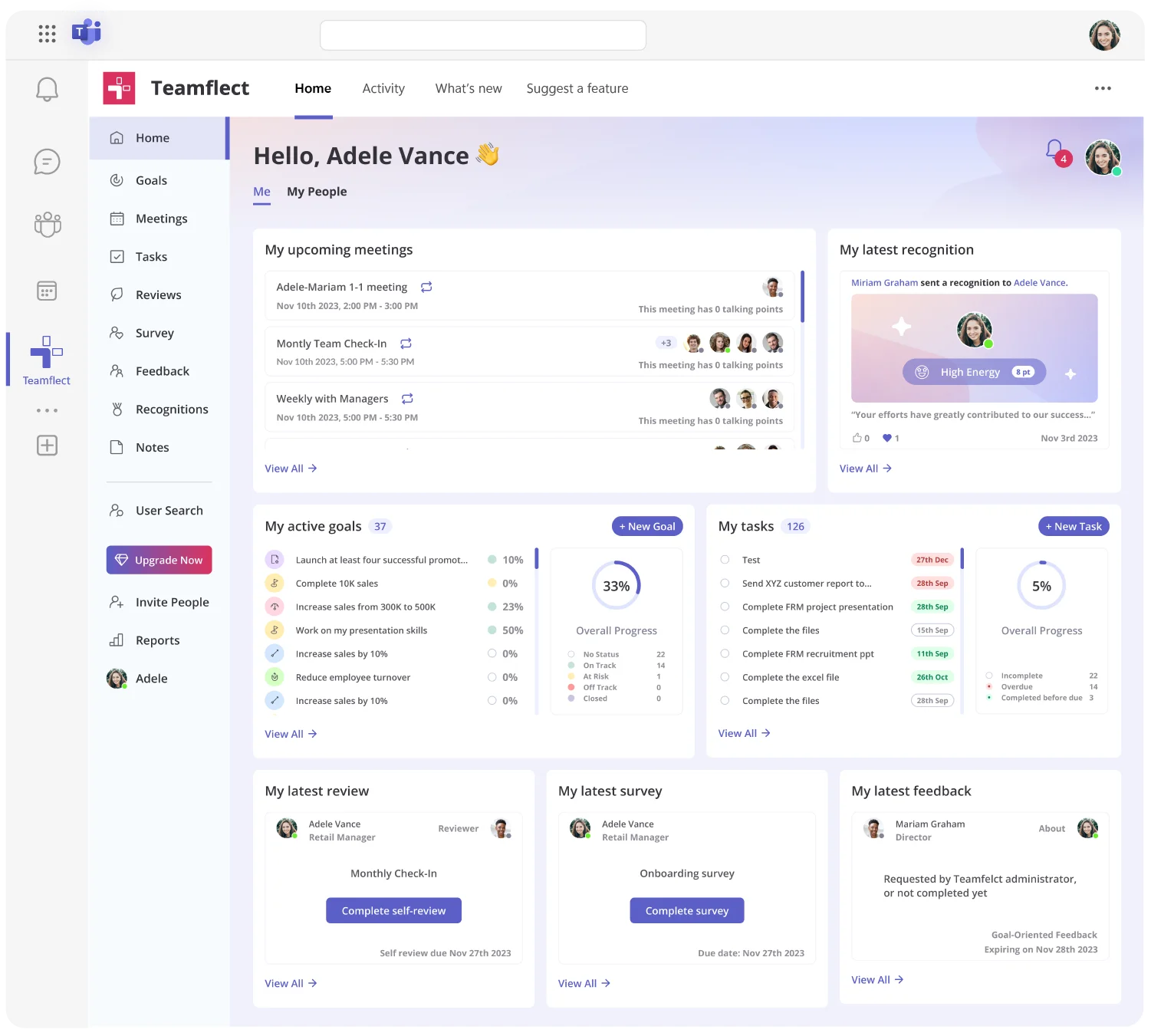
Teamflectis the best one on one meeting solution built natively inside Microsoft Teams. If your organization already uses Teams for daily communication, Teamflect eliminates the need to switch between platforms or ask employees to learn another tool.
Beyond simple meeting agendas, Teamflect functions as prehensive employee performance management suite. Managers can connect one-on-one conversations directly to employee goals, performance reviews, and development plans. The platform also includes employee onboarding software features that help new hires schedule check-ins with their managers from day one.
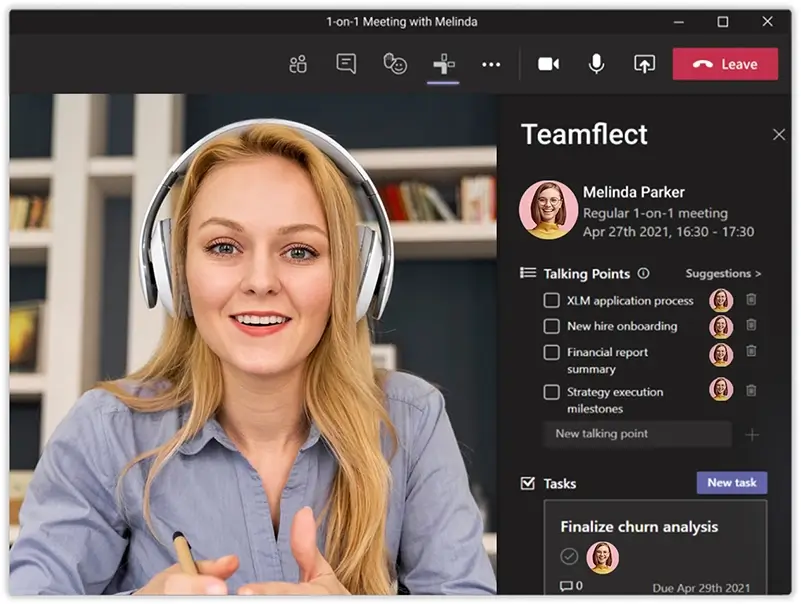
“I use Teamflect for work, and it makes summarizing meetings and writing notes easy and organized. I like that it's easy to use and connected to teams, which streamlines our workflow. The initial setup was so easy. I would give it a 10 on a recommendation scale.” - G2 Review
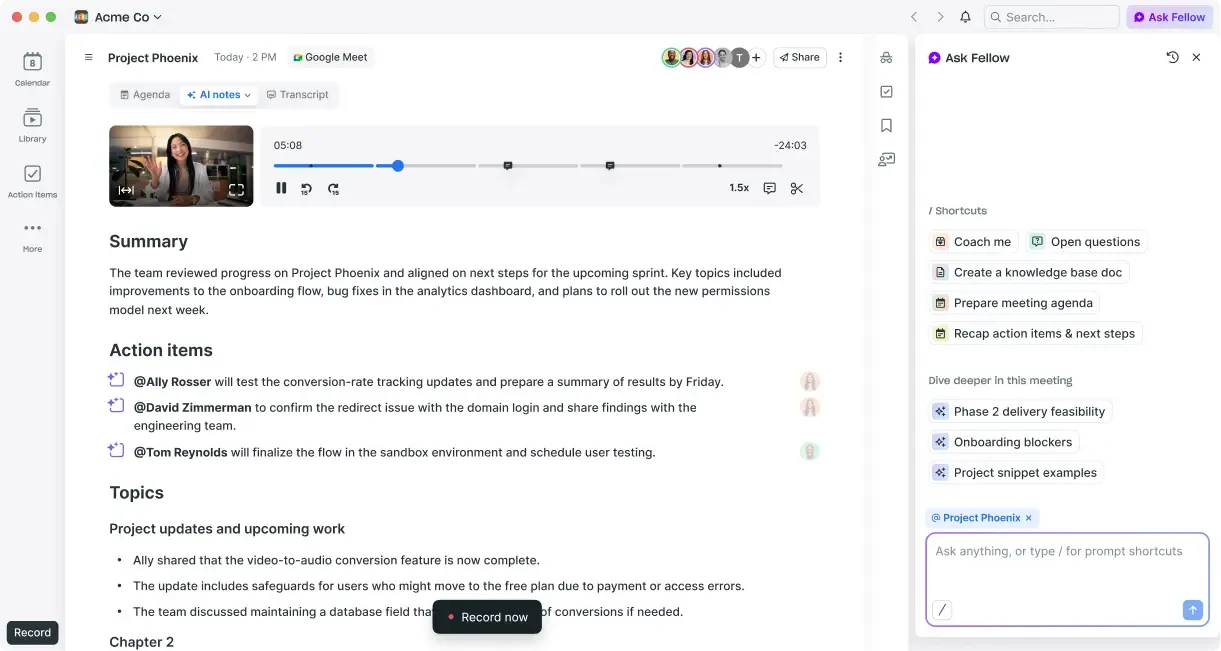
Fellow positions itself as a meeting productivity platform with strong one-on-one capabilities. The tool works across video conferencing platforms and offers detailed meeting templates.
“It's a fairly simple product that does exactly what me and my team need it to do. Everyone at the company loves it and [it's] made us 10x more productive in meetings.” - Capterra Review
“I dislike that Fellow can sometimes feel a bit rigid in its workflow, making collaboration less flexible. Additionally, the notification system can be overwhelming, and the interface occasionally feels cluttered when managing multiple projects at once.” - G2 Review
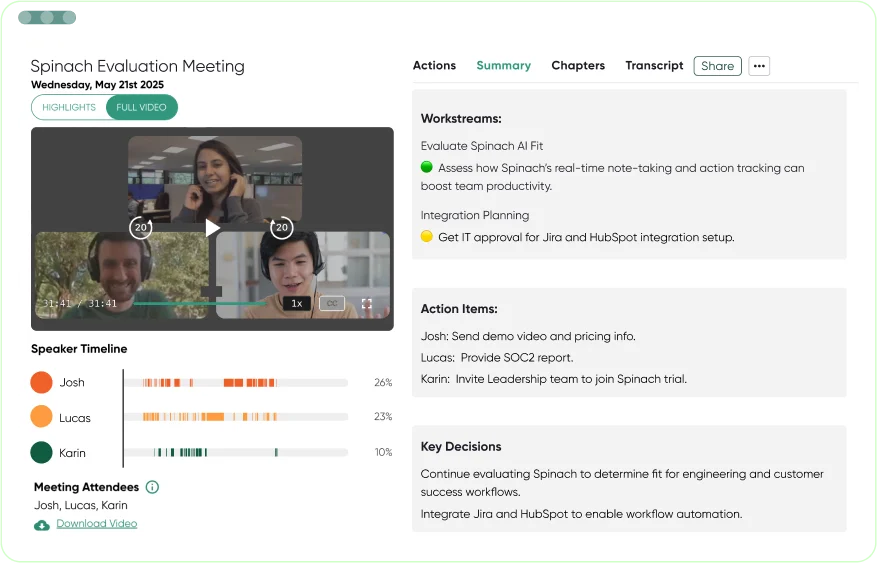
Hypercontext by Spinach AI focuses on making managers more effective through structured one-on-one meetings and team meetings. The platform emphasizes manager development alongside meeting management.
“The app helps you to make meetings more productive. You can assign actions to individuals, share agendas with contacts ahead of time, and record notes as you're in a meeting.” - Capterra Review
“I can't seem to figure out how to use the voting feature. I wished the Personal Goals section could intuitively templatize metrics.” - G2 Review
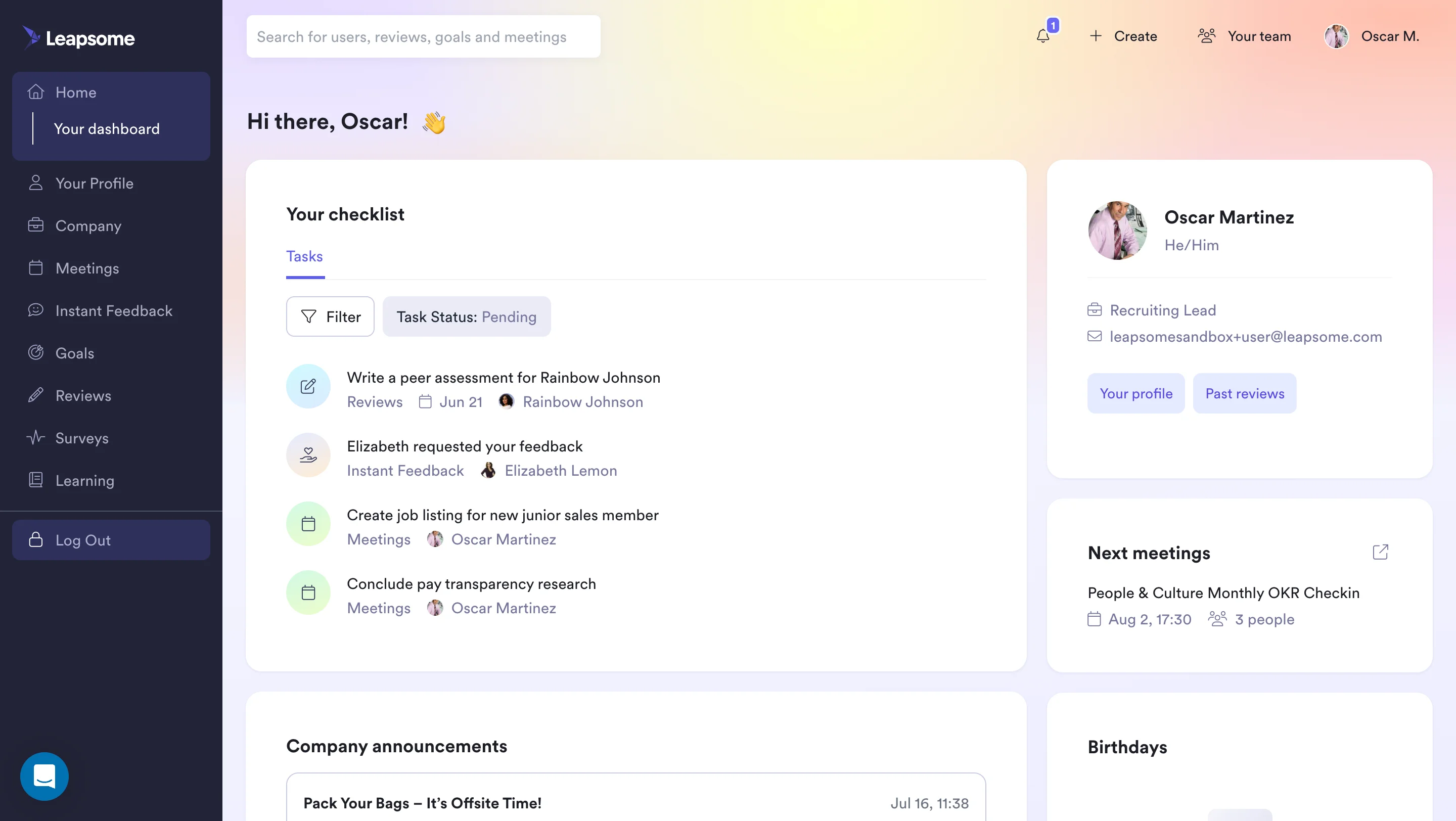
Leapsome combines one-on-one meeting tools with learning and performance management. The platform takes a holistic approach to employee development.
“Leapsome is well designed and genuinely supports meaningful performance conversations. Goal-setting, feedback and review cycles are intuitive and encourage continuous development rather than one-off evaluations.” -Capterra Review
“I’d like to have more options for giving praise and for managing the team. Also, meeting notifications keep coming through even when a meeting has been canceled or when it was only meant to be a one-time meeting.” - G2 Review

SoapBox keeps things simple with collaborative agenda building and action item tracking. The tool aims to make one-on-ones less formal and more productive.
“The software is intuitive, creative and flexible. The strengths of the product lay in the basics that it is designed to be useful and move your company forward, not just an app you sometimes use.” - Capterra Review
“Bug issues specifically when recording a video and not saving or quality sound of the recording is not the best. Additionally, it doesn't have a feature to send polls.” - G2 Review
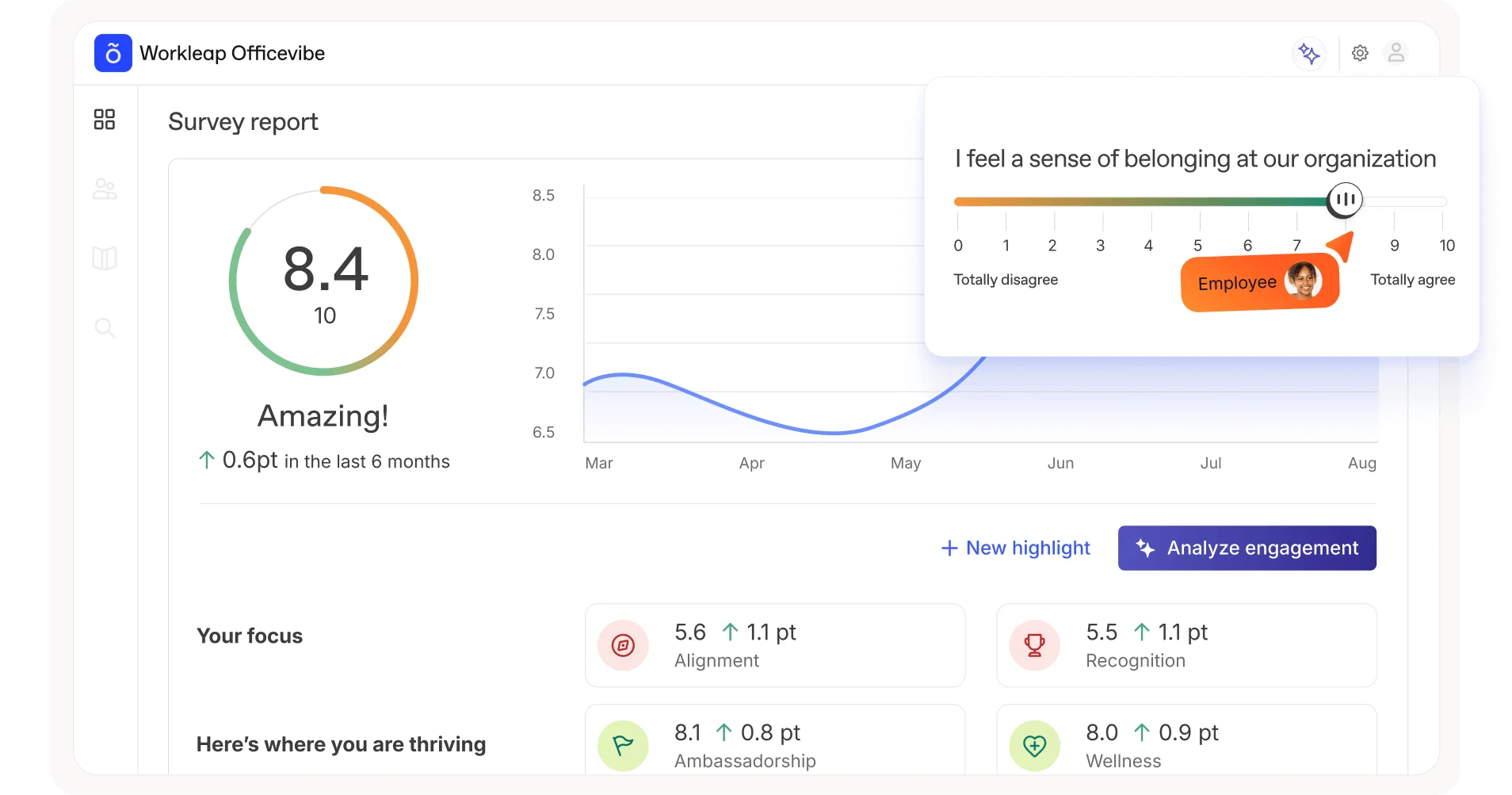
Workleap combines pulse surveys with one-on-one meeting management. The platform emphasizes understanding employee sentiment alongside structured conversations.
“It supports transparency, continuous improvement, and genuinely meaningful conversations, which fits well with a healthy, supportive work culture.” - G2 Review
“The customer support service is slow in responding to tickets because they have limited hours, and if an urgent ticket is submitted, it can take up to 3 days to be resolved.” - Capterra Review

Uptick emphasizes accountability and follow-through after one-on-one meetings. The platform tracks commitments and sends reminders to both managers and employees.
“The Uptick team gives their 100% support at all times. They help, they listen, they advise, they are reachable and most importantly they are on-side.” -Capterra Review
“It takes some getting used to at first because there is so much that goes into the platform. Techs have a hard time getting used to it but end up loving it once they learn how it works." - Capterra Review
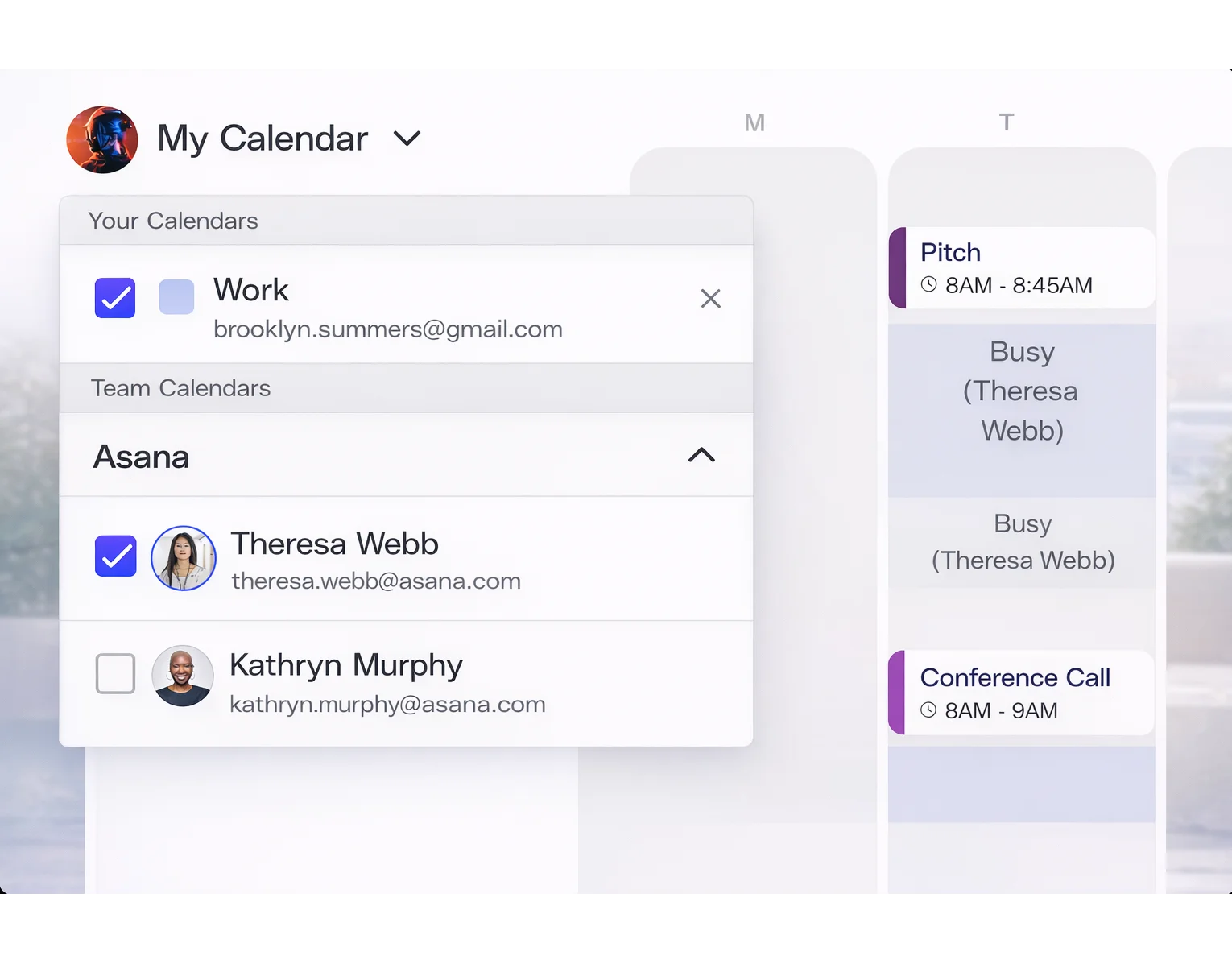
Arrangr takes a calendar-first approach to one-on-one meetings. The tool focuses on making scheduling and rescheduling as painless as possible.
“Easy to use for the person that I want to schedule meetings with. It integrates with Zoom and Google Meetings, making scheduling video calls a snap. It's free for me to use!” - G2 Review
“The user interface is a little clunky at first. It took a bit to figure out how to configure my settings and meeting availability. But it's not impossible, and it's definitely improved since I've started using it.” - G2 Review
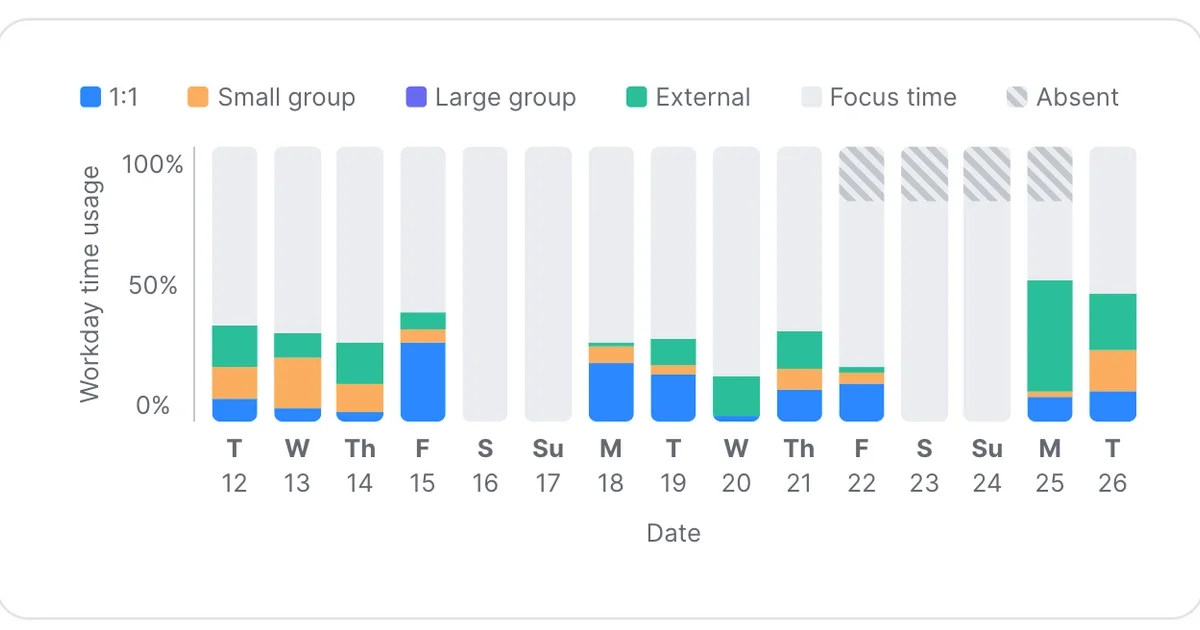
Range focuses on daily check-ins and asynchronous updates alongside scheduled one-on-one meetings. The platform emphasizes continuous communication over formal meetings.
“This tool has been so easy to use and implement. Also, its integrations with other tools (Gdrive, cal, trello, jira, Slack...) all just work so well.” - G2 Review
“A bit of improvements in the UI, as well as a tooltip kind of thing, which might explain different parts of the dashboard would be fine. As a newbie, one might [not understand] how to use it correctly.” - Capterra Review
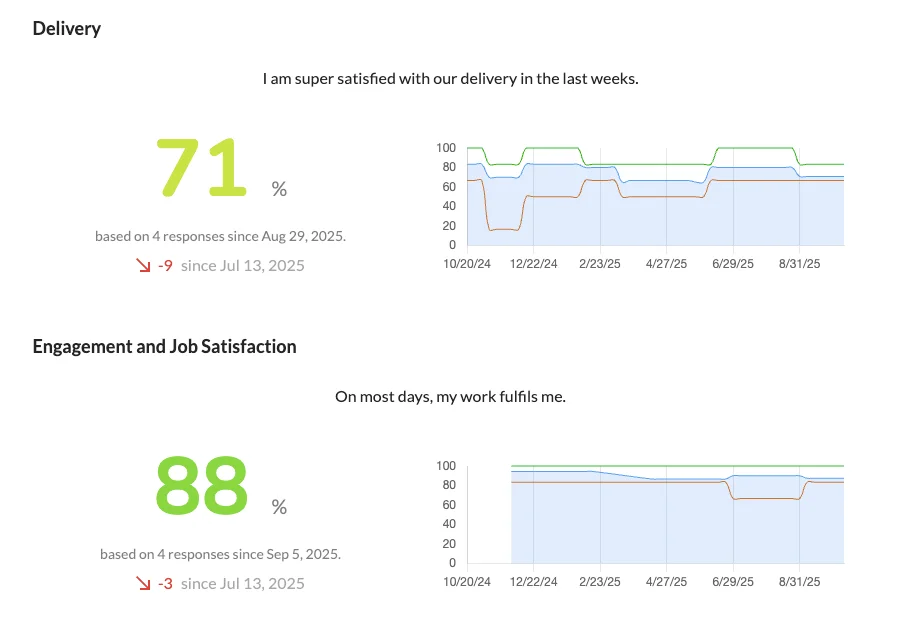
Echometer specializes in team retrospectives with one-on-one meeting capabilities. The platform works well for agile teams focused on continuous improvement.
Not all one-on-one meeting tools offer the same capabilities. Here's what separates good platforms from great ones.
The best 1 on 1 meeting software works where your team already spends time. Native integration with platforms like Microsoft Teams or Slack reduces friction and improves adoption. Look for tools that sync with your calendar, video conferencing, and performance management systems without requiring manual data entry.
Effective meetings start with good agendas. Your chosen tool should offer templates that reflect different meeting types while allowing customization for your organization's needs. The ability to save recurring topics and carry over unfinished items between meetings saves preparation time.
Meetings without follow-through waste everyone's time. Quality one-on-one meeting tools track commitments, assign owners, and send reminders. The best platforms surface outstanding action items at the start of your next meeting so nothing falls through the cracks.
One-on-ones shouldn't exist in isolation from broader performance conversations. Tools that connect to OKR tracking, performance reviews, and development plans help managers prepare more meaningful discussions. This integration ensures every conversation moves employees toward their goals.
Understanding meeting patterns helps improve them. Look for platforms that track meeting frequency, duration, and participation. Some tools analyze sentiment or identify common discussion themes across your organization.
Different organizations benefit from one-on-one meeting software in different ways. Here's who gets the most value.
Organizations promoting individual contributors into management roles need structure. One-on-one meeting tools provide templates and guidance that help new managers run effective conversations without extensive training. The platforms create consistency across the organization as the team grows.
Distance makes intentional communication critical. Teams working across locations and time zones use these tools to maintain connection and ensure regular check-ins happen. The documentation features create transparency that hallway conversations used to provide.
Human resources departments use one-on-one meeting platforms to understand what happens between annual reviews. The data helps identify coaching opportunities, track employee sentiment, and spot potential retention risks before they become resignation letters.
Individual contributors managing five or more people struggle to remember context between meetings. These tools surface conversation history, outstanding commitments, and relevant goals so managers can show up prepared regardless of how many reports they support.
The best one-on-one meeting tools in 2026 include Teamflect, Fellow, Hypercontext, Leapsome, and SoapBox. Teamflect ranks first for organizations using Microsoft Teams because of its native integration and comprehensive performance management features. The right choice depends on your existing tools, team size, and whether you need standalone meeting software or a complete talent management solution.
One-on-one meeting software improves performance by creating structure and accountability. These platforms ensure meetings happen consistently, provide templates that guide meaningful conversations, and track action items, so commitments don't get forgotten. Tools that integrate with goal tracking help managers connect daily work to broader objectives. The documentation features create a record of development conversations that inform performance reviews and promotion decisions.
Look for agenda templates that save preparation time, action item tracking with automated reminders, and integration with your existing communication platforms. The best tools connect to your performance management system so goal progress and feedback appear during meetings. Mobile access matters for managers who travel. Analytics on meeting frequency and quality help identify teams that need support.
Yes, Teamflect is built natively inside Microsoft Teams and requires no separate login or platform switching. Other tools like Fellow and Hypercontext offer basic Teams integration through notifications or calendar sync, but they still require users to leave Teams to access full functionality. Native integration typically drives higher adoption because it reduces friction for both managers and employees.
The most important criteria are integration with your existing tools, ease of use, and pricing that scales with your team. Consider whether you need just meeting management or a broader platform that includes performance reviews and goal tracking. Evaluate the learning curve, especially if your managers are new to structured one-on-ones. Read actual user reviews to understand common pain points before committing.
Several platforms now include AI features. Teamflect uses AI to prepare meeting agendas by analyzing previous conversations, surfacing relevant goals, and suggesting discussion topics based on recent feedback or performance data. Other tools offer AI note-taking or automated action item extraction. The effectiveness varies, but AI features work best when integrated with your broader performance data rather than operating in isolation.
Enterprise organizations typically need advanced security, single sign-on, API access, and dedicated support. Teamflect offers enterprise plans with these features. Large companies also benefit from tools that provide org-wide analytics and can handle complex reporting structures. Consider implementation support and change management resources when evaluating platforms for 500+ employees.
Teamflect offers a free plan with comprehensive functionality, available for up to 10 users. It works well for small companies testing the concept of structured one-on-ones. Most organizations outgrow free tiers as they scale or need integration with performance management systems.

.svg)
.avif)

Create high-performing and engaged teams - even when people are remote - with our easy-to-use toolkit built for Microsoft Teams