.svg)
.svg)
Microsoft Word Performance Review Templates: 12 Free Forms and a Generator for Your Own

Updated on:
September 18, 2026

Prefer Teamflect as your HR source on Google
.svg)

An employee performance review template is a structured form a manager uses to rate an employee's work against defined competencies, record achievements and gaps, and agree on goals for the next review cycle. The 12 templates on this page open in Microsoft Word, and each one lists its sections before you download it. If none of them matches your review, the free review template generator below builds one for your review type, with your logo and colour, as a Word file you can edit. If you'd rather work in a different format, the same review types are also available as PDF performance review templates and Excel performance review templates.
A complete employee performance review template has six sections: employee information, competency ratings, achievements, areas for improvement, a goal and development plan, and a sign-off.
Not every review needs all six. A quick self-appraisal can work with just the first two or three, while a full annual evaluation should include all six sections.
Each of the 12 templates below covers a different stage of the review cycle, from a new hire's first 90 days to a full annual evaluation. Every entry describes the sections it contains before you download it, so you can pick the right format without opening the file first.
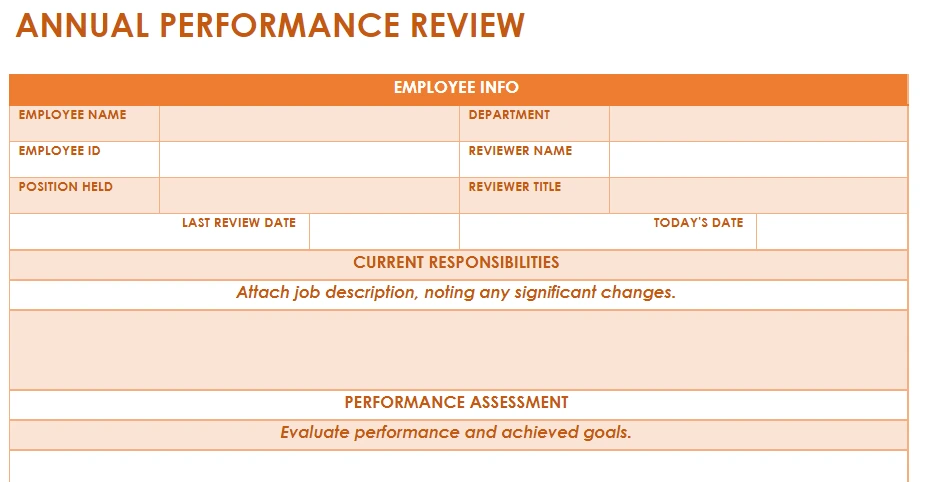
This annual employee performance review template is a Microsoft Word document built for a full-year evaluation. It contains six sections:
Use this template when you run one formal review a year and want goals from the previous cycle reviewed alongside current performance.
Getting the right performance review frequency for your organization matters just as much as the template itself, since running formal reviews too rarely lets small issues pile up.
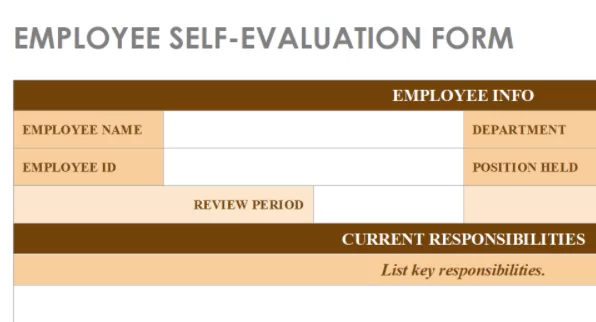
This employee self-appraisal template is a Microsoft Word document employees complete before their review meeting. It contains five sections:
Reviewing a set of thoughtful performance review questions before filling this in helps employees give specific, useful answers instead of vague self-praise. Use this template alongside a manager review so both perspectives reach the meeting already written down.
Self-evaluation is one of the most important steps in the employee performance review process. Self-appraisals in performance reviews help the employee reflect on their own performance throughout the review period, fostering growth and development.
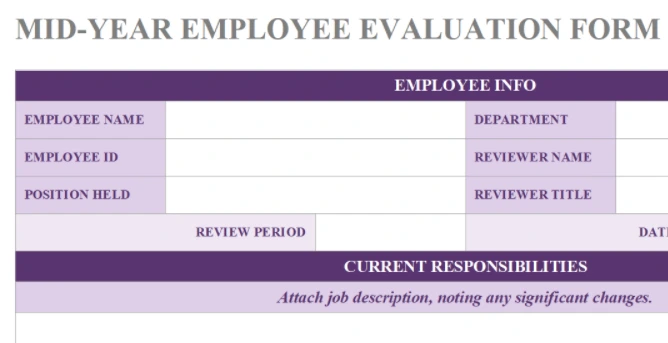
This mid-year performance review template is a Microsoft Word document built for the halfway checkpoint between annual reviews. It contains four sections:
Use this template when you want a lighter check-in that catches problems early, rather than waiting for the annual review to raise them.
A well-run mid-year review works best as a lighter, no-surprises check-in rather than a second annual review.
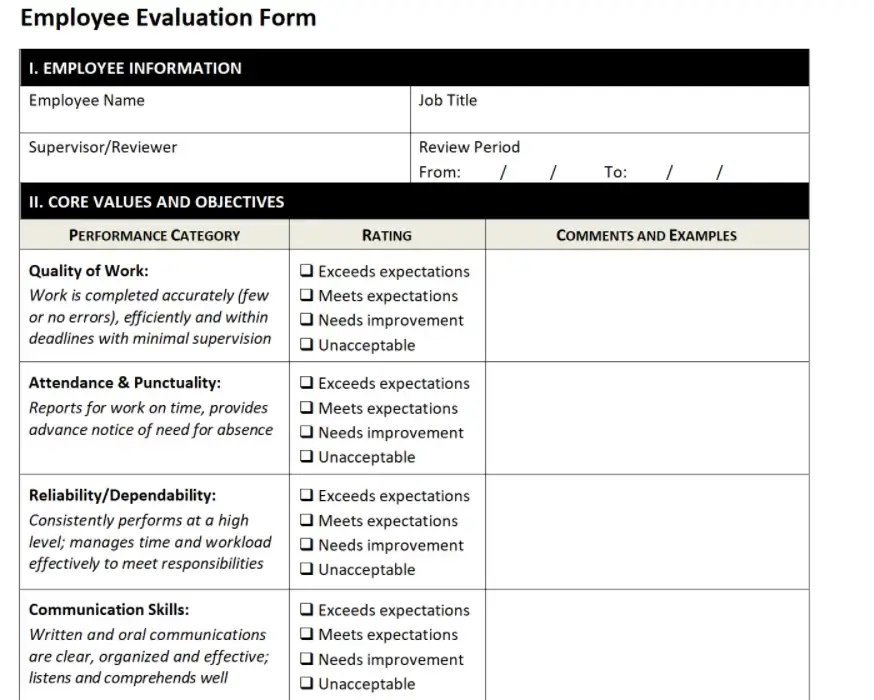
This employee evaluation form is a Microsoft Word document that combines rating scales with open-ended questions for a general performance check. It contains five sections:
Use this form when you need a straightforward evaluation that doesn't require a competency framework already in place.
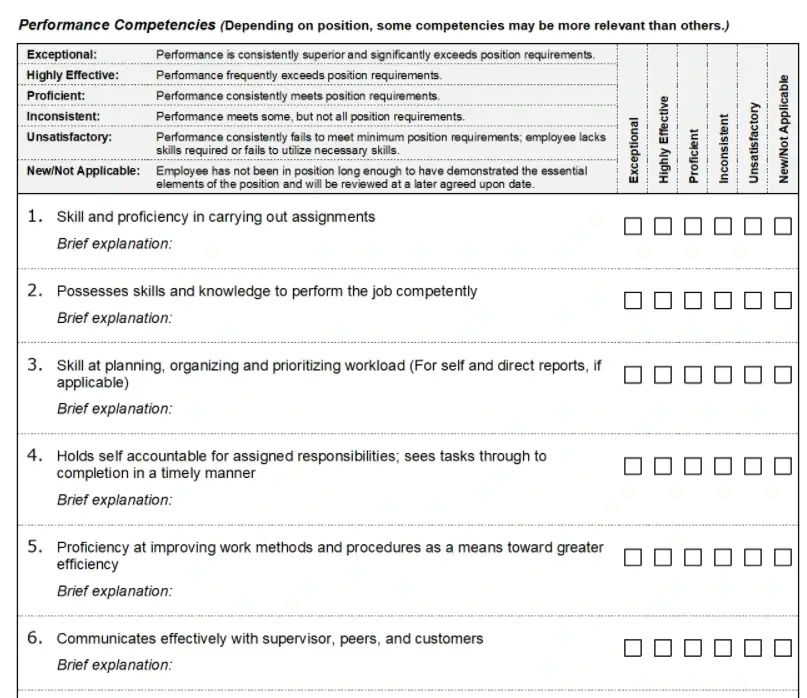
This competency-based performance review template is a Microsoft Word document built around the skills expected of a specific role. It contains four sections:
Use this template once your organization has defined its own competency framework, since the ratings only mean as much as the framework behind them.
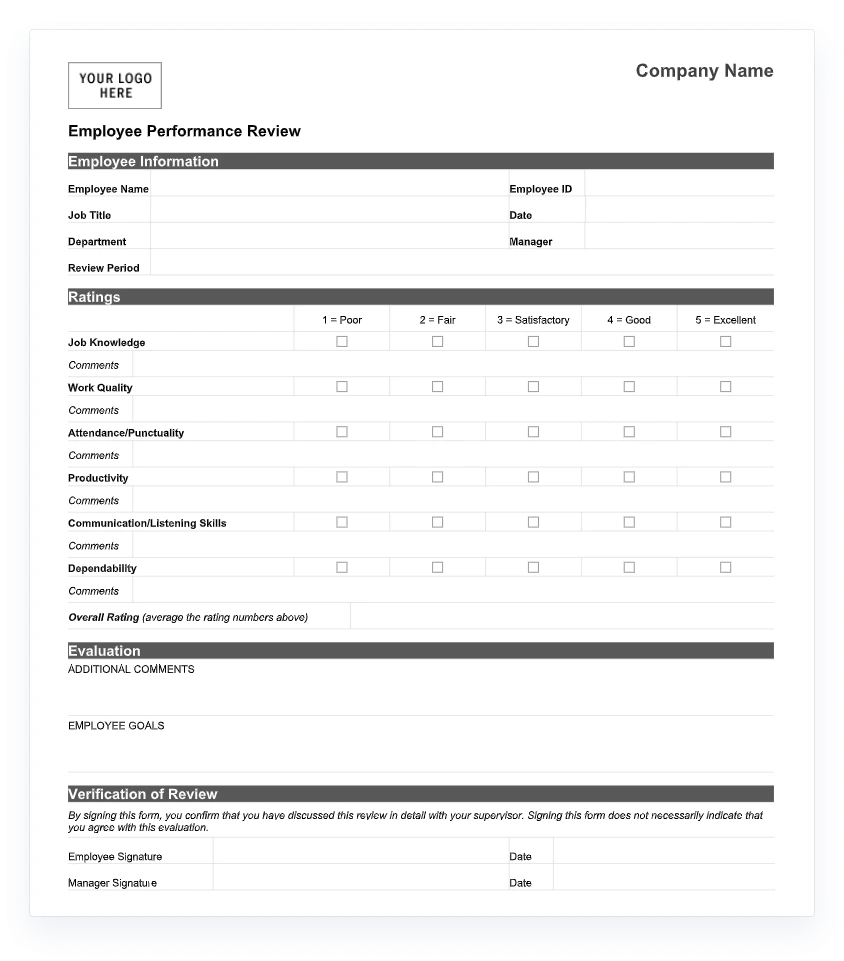
This 90-day review template is a Microsoft Word document built to check a new hire's early progress. It contains four sections:
Use this template as a formal checkpoint that confirms a new hire is settling in before their probation period ends.
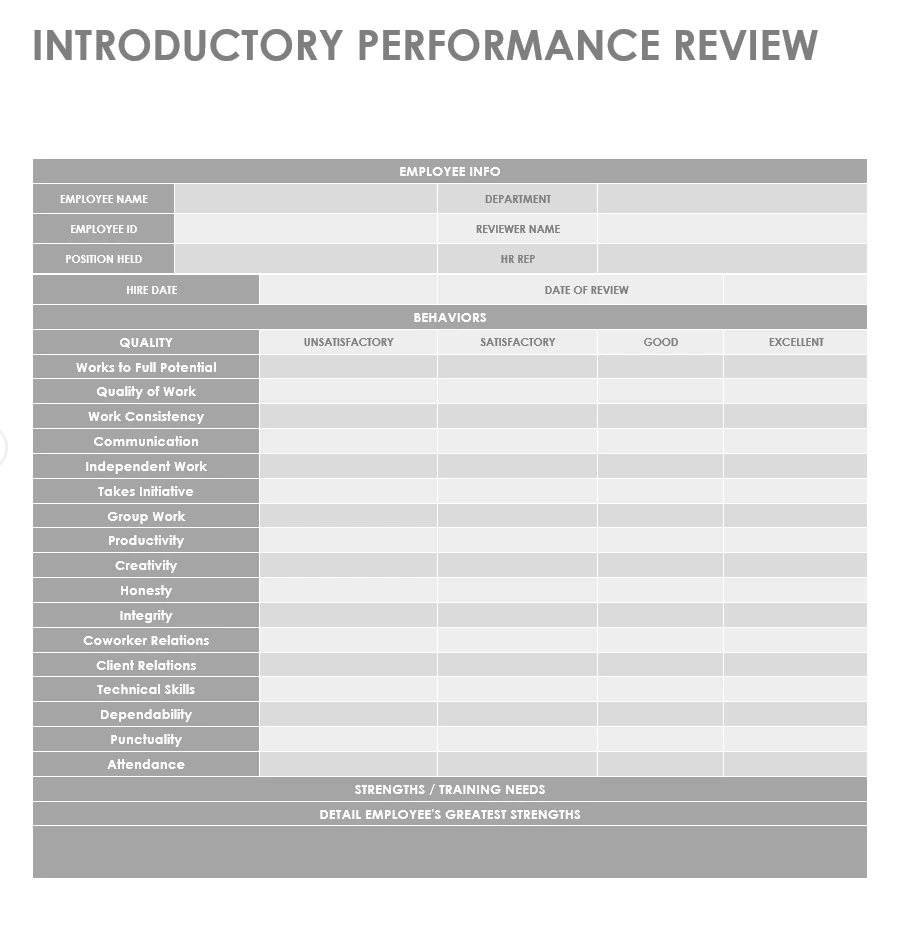
This new hire performance review template is a Microsoft Word document built for an employee's first formal review. It contains four sections:
Use this template to catch onboarding gaps early and give a new hire a clear read on how their first weeks are landing.
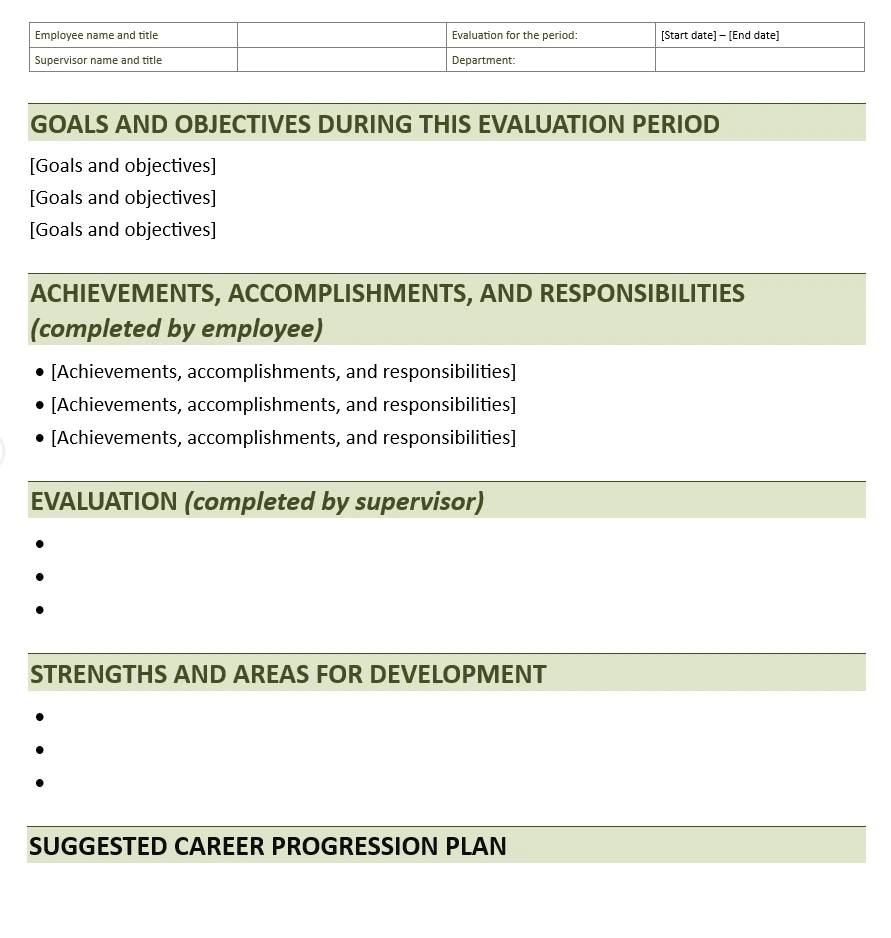
This goal and OKR performance appraisal template is a Microsoft Word document built around goal-setting methodology instead of general competencies. It contains four sections:
Use this template when goal progress is the main thing you evaluate, and confirm which goal-setting method your organization follows before filling it in.
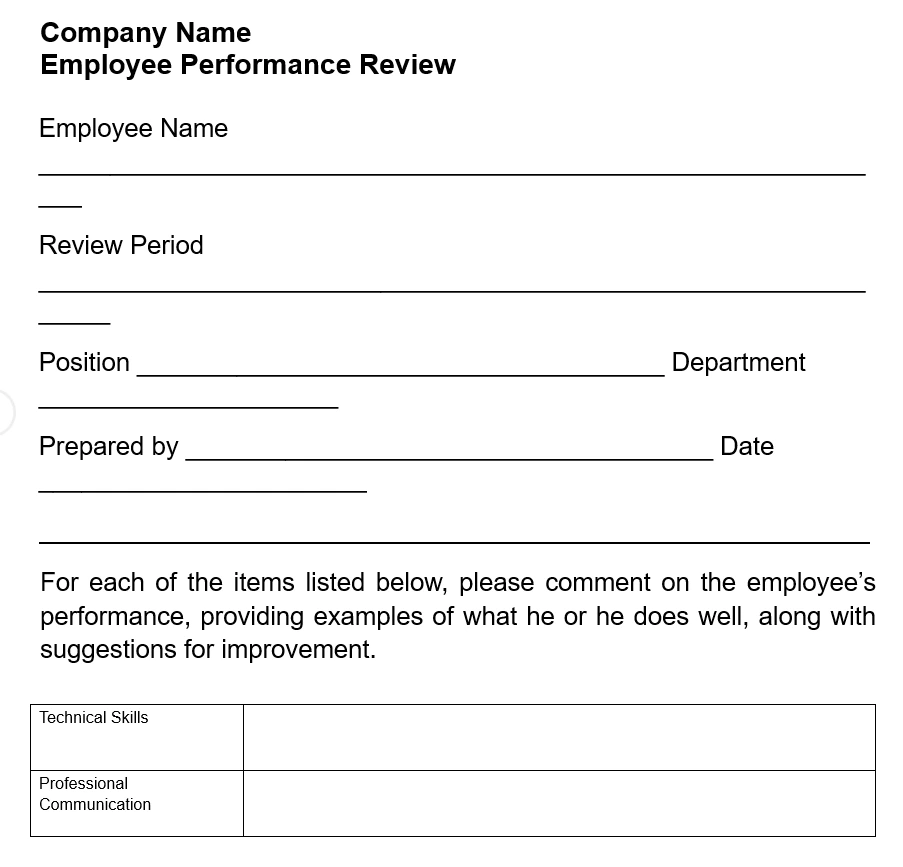
This employee performance evaluation template is a Microsoft Word document built around the Situation, Behavior, Impact (SBI) feedback model. It contains four sections:
Pairing this template with an employee performance scorecard gives you both the qualitative detail and the tracked metrics behind it. Use this template when you want reviews grounded in specific incidents rather than general impressions.
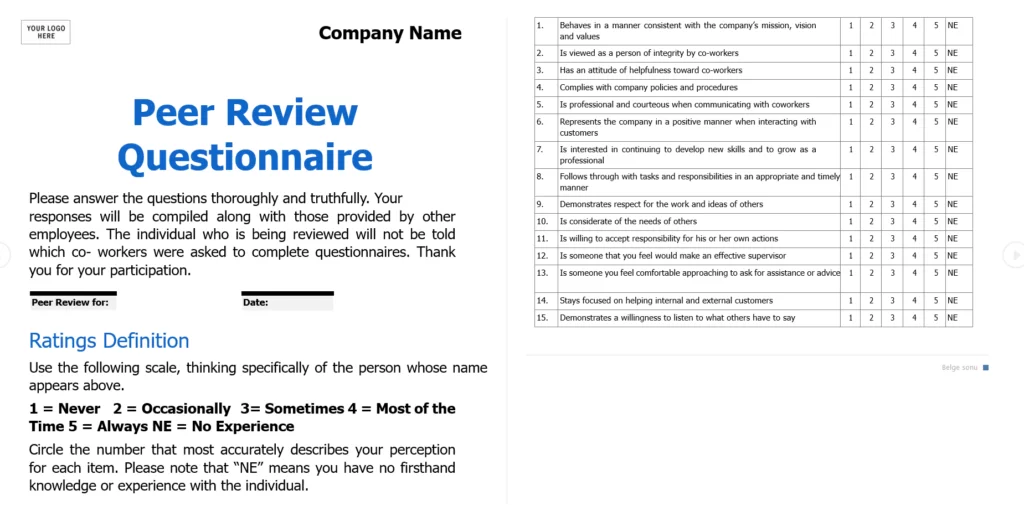
This peer review template is a Microsoft Word document built to collect feedback from colleagues rather than a manager. It contains three sections:
Use this template on its own for lightweight peer input, or alongside a manager review to build a fuller 360-degree picture.
Expanding this template with structured 360 review questions turns it into a fuller feedback loop that brings in more than one perspective.
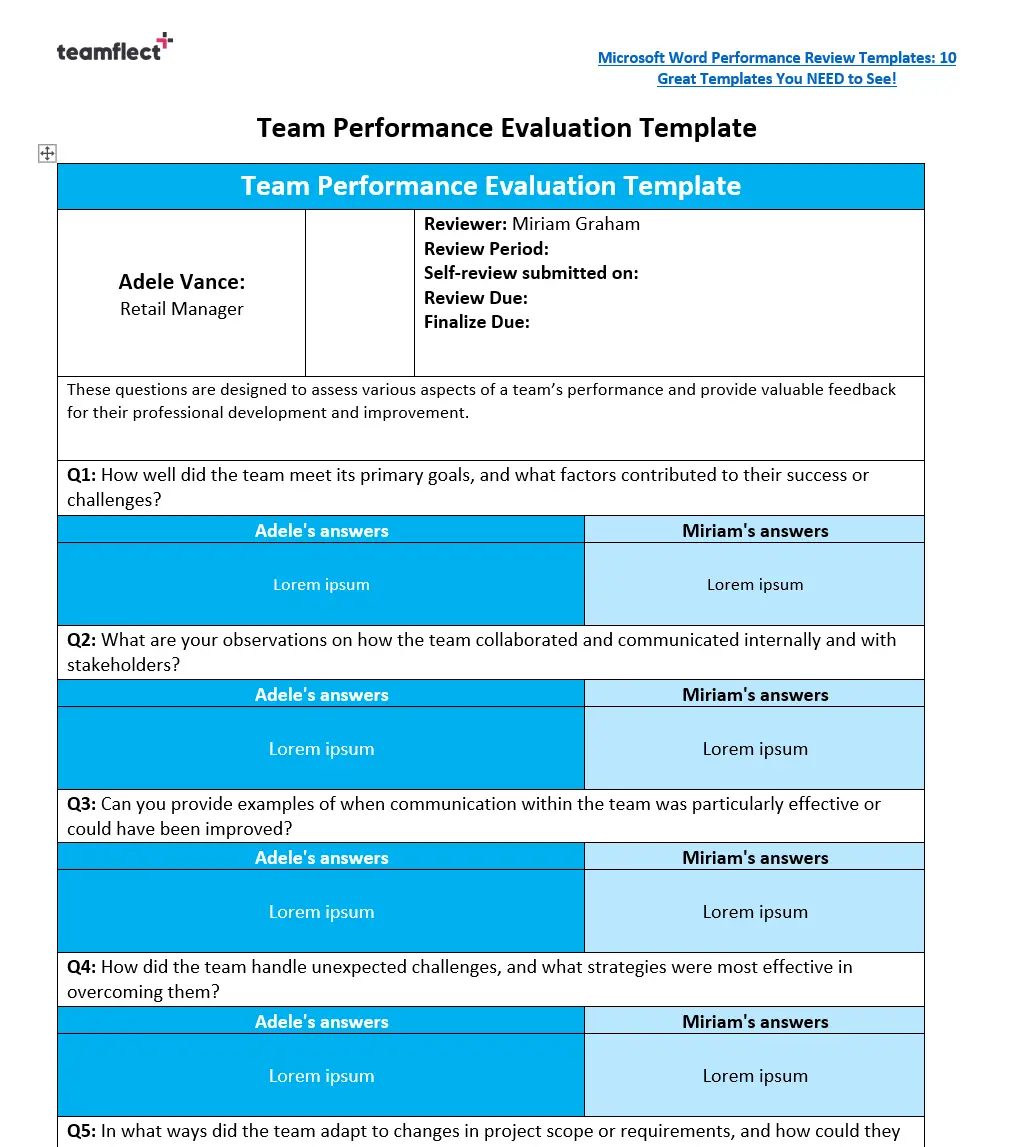
This team performance review template is a Microsoft Word document built to evaluate a group rather than one individual. It contains four sections:
Use this template after wrapping up a major project or as part of a regular quarterly check-in, since it works better as a group reflection than as a stack of individual reviews.
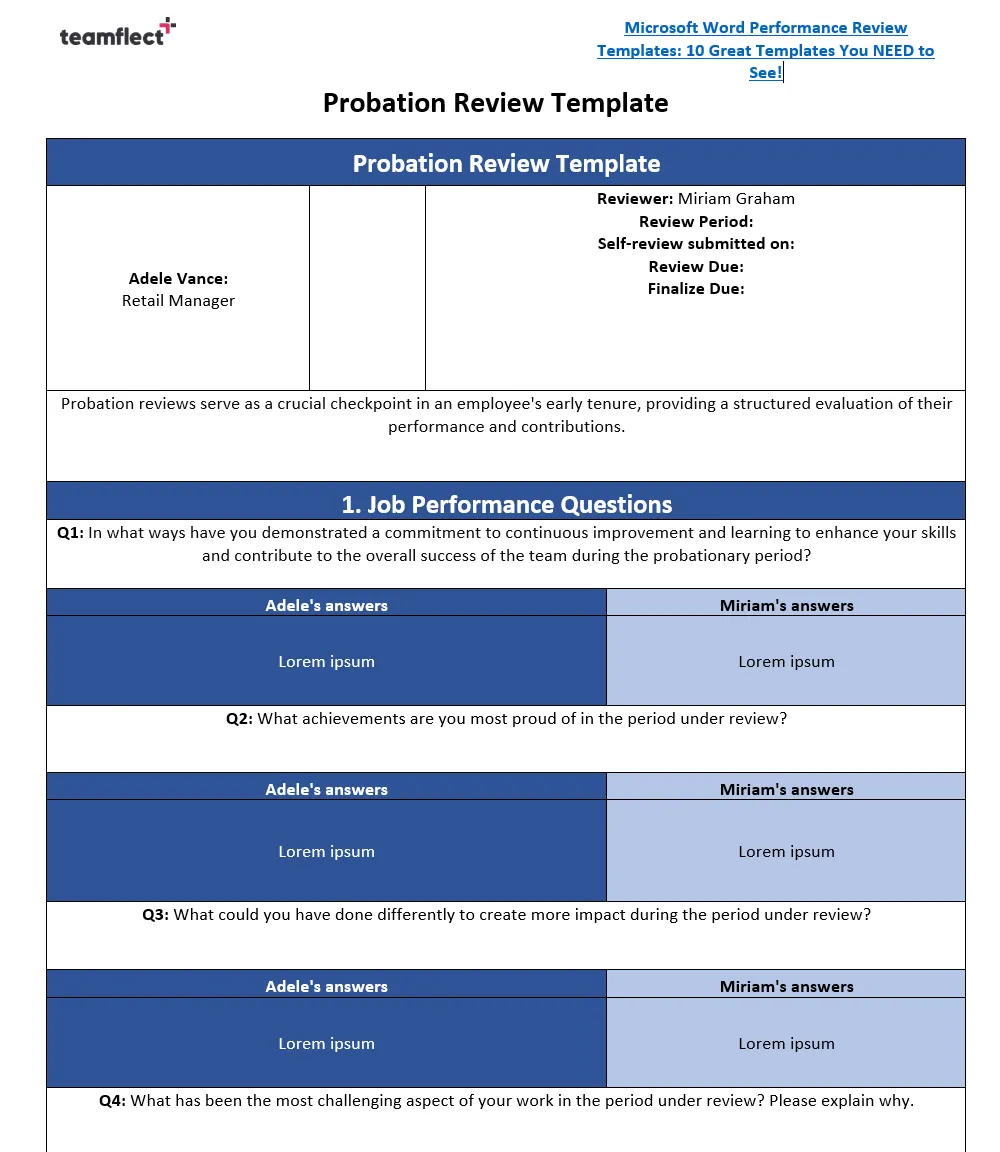
This probation review template is a Microsoft Word document built to close out a new hire's trial period. It contains four sections:
Use this template to keep probation decisions consistent across the organization, since both sides go into the meeting with their view already written down.
Open the template in Microsoft Word, complete the employee information block, then work through the rating and comment sections in order before the review meeting.
Here's what a filled-in annual employee performance review template looks like for a fictional customer support specialist, so you can see how the sections are meant to be used.
Employee: Priya Shah, Customer Support Specialist. Review period: January to December 2025. Manager: Daniel Reyes.
Response time still rises during major product launches, when ticket volume roughly triples. A separate launch-week workflow would help rather than handling the surge the same way as a normal week.
Signed by Priya Shah and Daniel Reyes.
%2520(1).avif)
Employee performance review solutions such as Teamflect are powerful tools that can greatly improve the efficiency and effectiveness of your performance review process no matter the size of your organization. If you'd rather skip building your own templates altogether, free performance review software can run these same review formats for you automatically.
Here are some of the key benefits of using performance review software:
Performance review software typically comes with a range of customizable templates that allow you to tailor the review process to your organization’s specific needs and preferences. This means you don’t have to spend time creating and formatting a review document from scratch, as you would with a Word template. Teamflect’s performance review template gallery offers an extensive library of highly customizable templates for almost every situation!
Performance review software enables you to track the progress of the review process in real time, making it easier to stay on schedule and avoid delays. You can also set reminders and notifications to ensure that all parties involved in the review process are kept informed and up-to-date.
If the performance review software of your choice has strong integrations into communication tools, such as the integration between Teamflect and Microsoft Teams, you can make continuous feedback an essential part of your day-to-day operations.
Teamflect addresses each of these by running the same review formats automatically inside Microsoft Teams, with no file to send around and no separate system for managers to check.
One of the major benefits of performance review software is its ability to provide insights and data analytics on employee performance. You can easily view and analyze data on factors such as employee productivity, goals achieved, and areas for improvement, helping you to make informed decisions about employee development and training.

Lenar Asanov, Invacare
“Teamflect allowed us to digitize our entire performance management process."”
Top-of-the-line performance review software such as Teamflect includes self-assessment and a 360-degree feedback platform, which enable employees to reflect on their own performance and receive feedback from multiple sources, including their managers, peers, and even customers. This results in a more rounded view of an employee’s performance and identifies areas for improvement.
Depends. Word templates are still widely used because they're simple. They're especially helpful for small teams or organizations that are still building structure around performance management. However, Word templates can become limiting when you need automation, analytics, or consistency across many employees.
A self-appraisal is completed by the employee and focuses on reflection:
A performance review is typically completed by the manager, and may include ratings, feedback, and future goals. The best performance review processes combine both.
Some of the most common issues include:
Most problems aren’t caused by the template — they happen when the review has no structure after the form is completed.
To reduce bias, include clear rating criteria, require examples for ratings, use goal progress sections, and include competency definitions. Structured prompts help managers give evidence-based feedback instead of vague opinions.

.svg)
.avif)

Create high-performing and engaged teams - even when people are remote - with our easy-to-use toolkit built for Microsoft Teams