.svg)
.svg)
Teamflect June 2026 Updates: Self-Initiated Reviews, Self-Service Attributes, and New Admin Tools
.svg)
0
min. read

Updated on:
June 12, 2026


Prefer Teamflect as your HR source on Google
.svg)

June puts us at the halfway point of 2026, and the release schedule has not let up. The common thread this month is control. Employees get more say over when their reviews happen, and admins get quicker ways to manage users and roles behind the scenes. There is a new supported language in the mix too.
Here is everything new in June.
G2's Summer 2026 report landed this month, and Teamflect came away with badges across a range of categories. The Enterprise category stood out, which felt fitting so soon after we opened up our Enterprise plan.
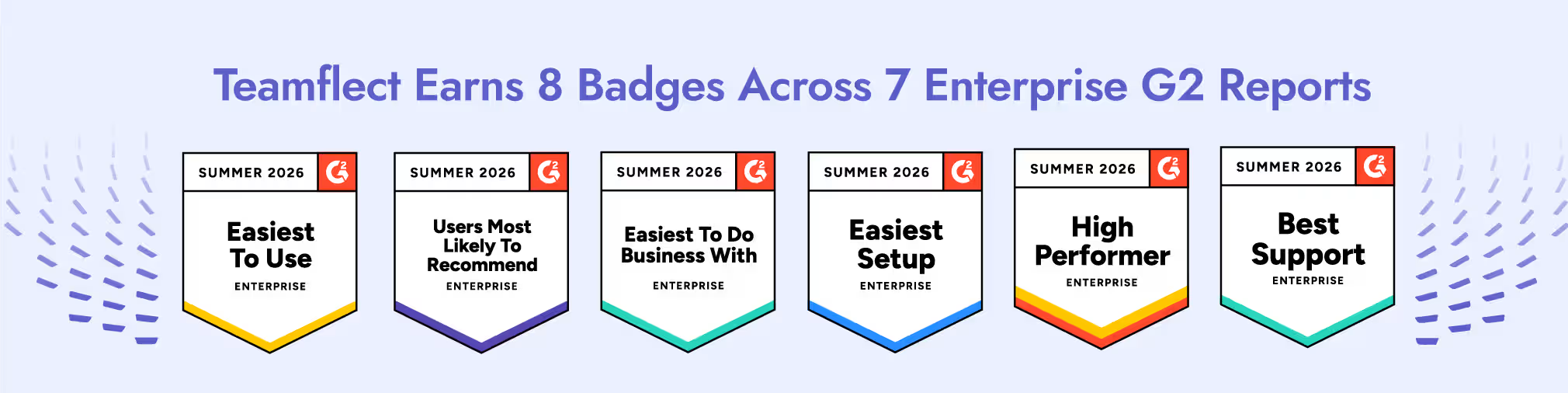
G2 badges are not handed out by analysts. They are earned through verified reviews from people who use the product every day, so this recognition belongs to the Teamflect community more than it does to us. To everyone who left a review, thank you. The full category-by-category rundown is in our Summer 2026 G2 recap.
With that said, here is what the product team built in June.
Available on the Professional plan
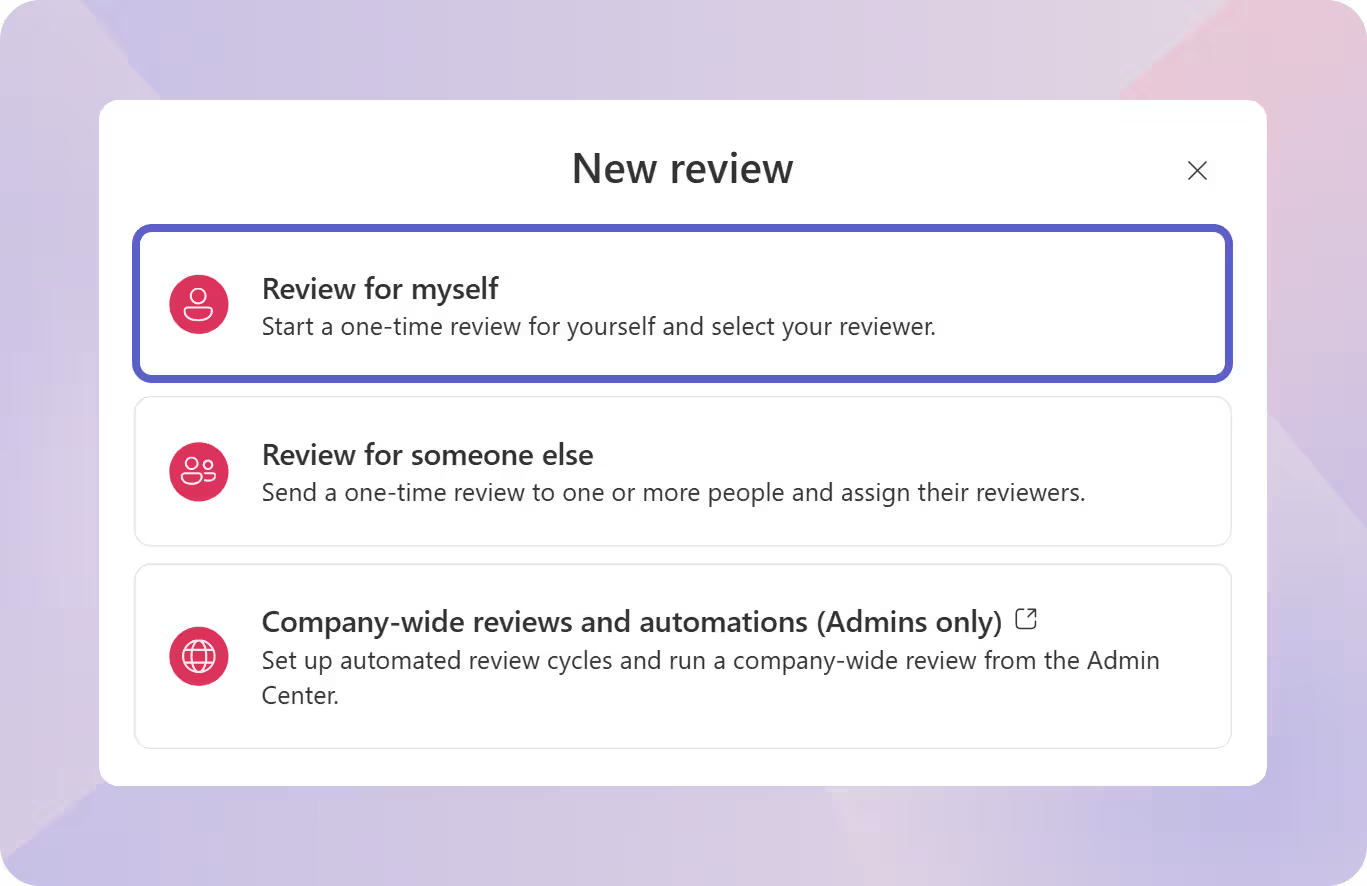
In most performance setups, a review only happens once a manager or an admin triggers it. That suits fixed quarterly or annual cycles, and organizations with top-down management structures. We wanted to make sure our Reviews module addressed all approaches to performance appraisals so we implemented a feature that lets users start their own reviews.
The new "Self-Initiated Reviews" setting moves that starting point to the employee. Once an admin switches it on, people can open a review for themselves whenever the timing makes sense, whether that is wrapping up a big project or getting ready for a career conversation. There is no request to file and no waiting for the next cycle to come around.
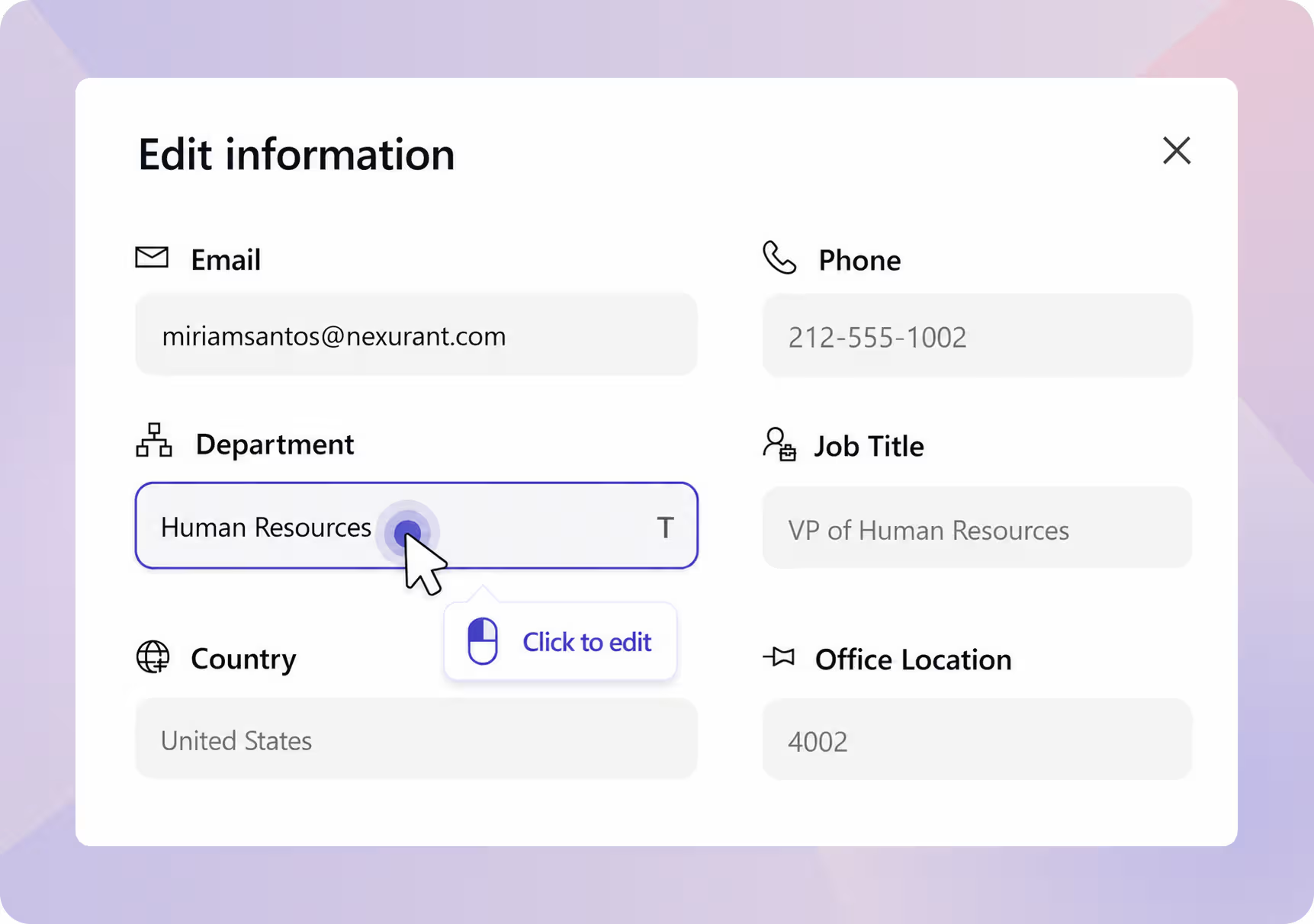
Some user attributes flow in automatically from a connected HRIS. Others have to be entered by hand, and those are the ones that tend to go stale, because the person maintaining the record is rarely the person who knows the answer.
Those manually managed fields are now editable straight from the My Profile and User pages. Emergency contacts, hobbies, certifications, and similar details can be added or corrected by the people they actually belong to.
The result is twofold. HR stops sending round-up emails to collect information it has no direct line on, and the data itself gets more accurate because it is coming from the source. One standing chore quietly comes off the list.
Admin Center
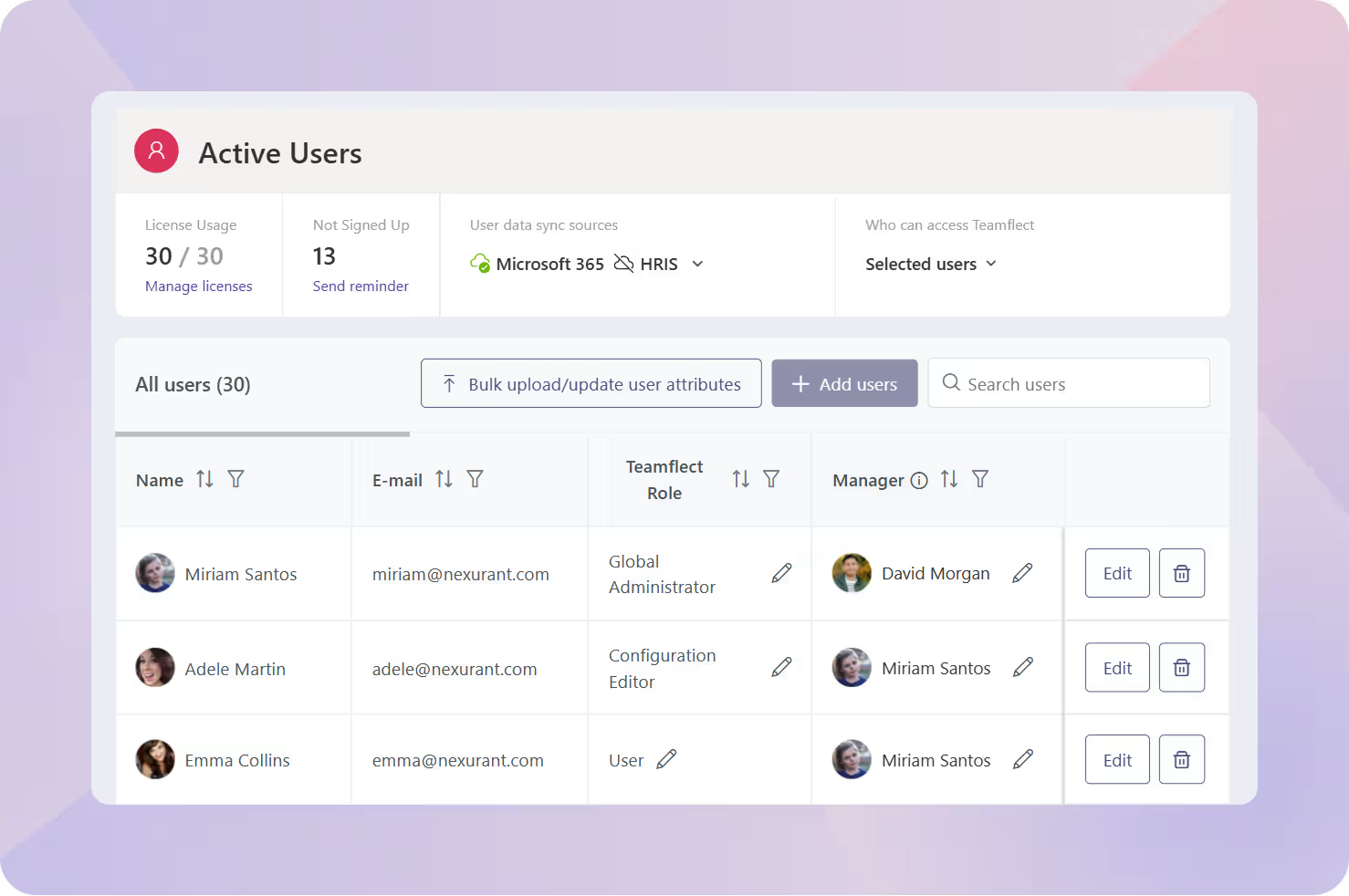
The Active Users page in the Admin Center is where you keep your roster in order, so it is a screen admins land on often. This month it got a visual overhaul built around that reality.
The layout is cleaner and easier to scan. For admins managing larger directories, small frictions add up over a day, and this update takes all of them away.
Admin Center
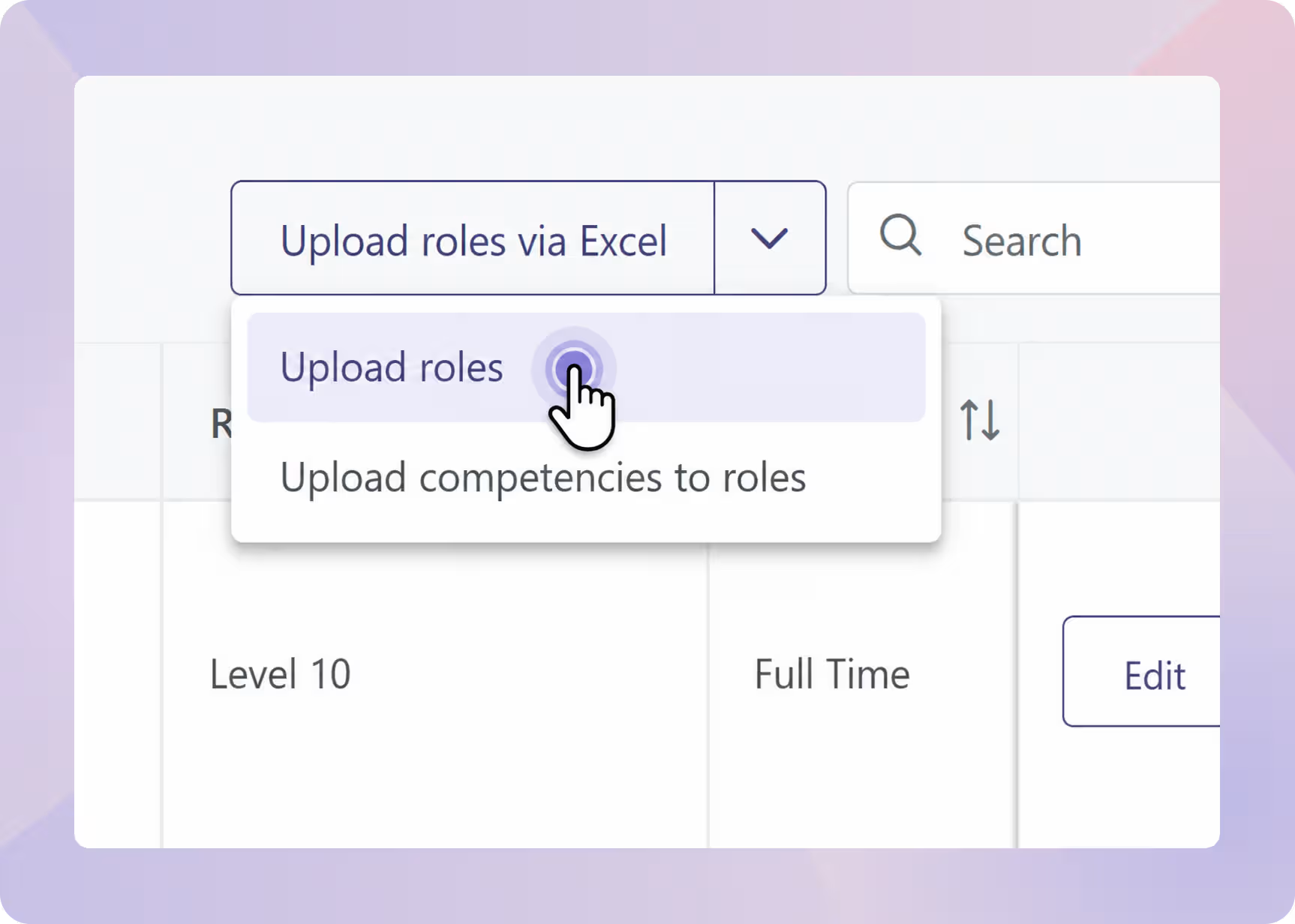
Building out a role library one entry at a time is fine when you have a handful of roles. It becomes a slog during an initial rollout or a reorganization, when you might be defining dozens at once.
Admins can now skip the manual entry and upload roles in bulk from a single Excel template. Fill in the sheet and import it, and the whole set lands in Teamflect together. For anyone standing up a large organization or restructuring an existing one, it turns an afternoon of data entry into a few minutes.
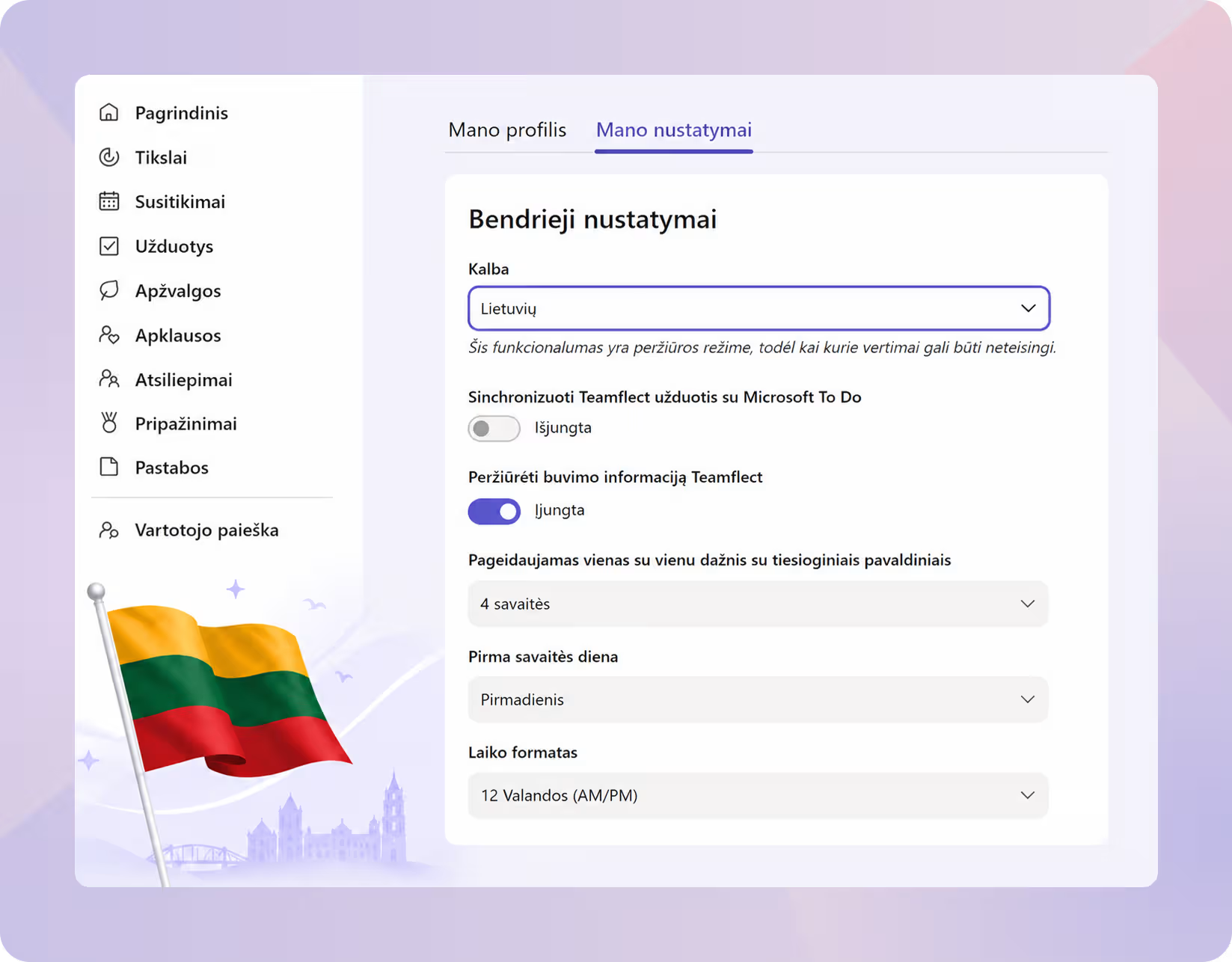
Closing things out this month, Lithuanian joins the set of languages Teamflect supports in full. Every addition here comes down to the same idea: an HR tool only gets adopted across a region if it speaks the language people work in, so localization stays a steady priority rather than a one-off.
To our Lithuanian users, welcome and Sveiki!
If you want to see any of this in action, the Teamflect YouTube channel is the place to go for short product walkthroughs and Microsoft Teams how-tos. And when you are after something longer, The Team Check-In podcast sits down with HR and workplace leaders on where work is heading.
New to Teamflect? What you have read here barely scratches the surface of what the platform does inside Microsoft Teams and Outlook. Book a quick call and we will walk through what would make the biggest difference for your team.
.avif)

Create high-performing and engaged teams - even when people are remote - with our easy-to-use toolkit built for Microsoft Teams
.svg)