.svg)
.svg)
HR Software Implementation: A Phase-by-Phase Plan With Timelines and Costs Checklist

Updated on:
October 9, 2026

Prefer Teamflect as your HR source on Google
.svg)

HR software implementation is the project that turns a system you’ve bought into one people actually use. Buying the software is the easy part, however. Getting an entire company to use it is where most of the effort goes, and broader technology projects show how often these efforts go wrong. In fact, BCG’s 2020 research found that 70% of digital transformations fall short of their objectives.
Published timelines for implementation also disagree by months. For this reason, the sections below put two of those timelines side by side and explain what drives the gap, before breaking down what each phase costs.
This guide is about the rollout; choosing the vendor and building the budget case are separate decisions.
HR software implementation is the structured process of setting up a new HR system and moving your data into it. From there, you test it against real scenarios until people use it in place of the old one. You’ll also see it called HRIS implementation, and the two terms get used interchangeably because the practical work is the same.
In both cases, you make the system fit the organization and prove the data works before supporting people through the change. Change support, in particular, carries more weight than it looks. According to Prosci’s research, projects with excellent change management are seven times more likely to meet objectives than those with poor change management.
Published estimates run from four weeks to six months, and most of that spread comes down to your own setup rather than the vendor. In particular, the number of source systems you’re pulling from matters, as does how much history you bring along. The timeline also shifts depending on whether your org chart has to be migrated or can simply sync from the HRIS.
As of September 2026, vendor guidance also differs on when the clock starts. Some timelines begin at contract signature, whereas others, like QuickBooks’ implementation timeline, include vendor selection and discovery work as well.
The two sources disagree most on configuration and migration, and they do so in opposite directions. Some HR vendors give migration the most time, whereas QuickBooks does the reverse. In other words, your data sets the number, not the vendor.
With this in mind, give your executive sponsor a range rather than a single date, and name the variable that decides where you’ll land. Once the data audit is done, revisit the date instead of committing to one before it.
There are six phases, and the work that decides whether you finish on time happens in the first one. For that reason, a realistic plan doesn’t end at a go-live date. Instead, it ends once users are trained and someone has completed a real task in the system.
Most implementations slip because a task had no owner, not because it was hard. Typically, HR owns process design and adoption, while IT handles identity and security. Payroll, for its part, owns pay-related controls. Meanwhile, the vendor owns whatever setup guidance it has contracted to provide. Putting all of that in a responsibility table turns those broad lines into visible tasks before work begins.
Once the table is in your project plan, put a name in every cell before phase one closes.
There are four cost lines, but only one of them appears on a vendor’s pricing page. Subscription cost is easy to see. Implementation support and training, on the other hand, tend to surface later.
Internal staff time is even easier to miss, since it rarely gets counted unless someone records it up front. Including all four gives you a more credible total cost of ownership. More importantly, a full count keeps a low license figure from producing a misleading business case.
As of September 2026, Teamflect’s per-user pricing lists Essential at $9 and Professional at $14 per user per month on monthly billing, with annual billing saving 22% (subject to change). On top of that, both plans include implementation support and training at no extra cost, although HRIS integration only comes with Professional.
Enterprise-level help is a different matter. White-glove implementation and hands-on integration support come with Teamflect’s Enterprise plan, along with expert advisory hours, and that plan is quoted on request. For this reason, don’t present them as part of Essential or Professional.
If you already have an HRIS and you’re adding performance management on top, most of the phases shrink, and data migration shrinks the most. The reason is simple. A performance layer doesn’t replace payroll or benefits, and it doesn’t become the employee system of record either.
Instead, it can work from the existing employee directory and your current sign-in setup, which leaves the implementation free to focus on reviews and goals.
Before you sign, confirm that the tool syncs directly with your HRIS rather than importing from it. The difference adds up quickly, since every field that syncs is one you never have to migrate or maintain.
To keep a short implementation from turning into a long one, pin down the exact scope and decide which systems stay authoritative. In addition, plan the adoption work your managers will need, since implementing performance management well depends on that work as much as on the setup.
A core HRIS implementation can take anywhere from several weeks to several months. Most of that range comes from how many source systems you have and how much history you move, and payroll adds time as well whenever it’s in scope. By contrast, adding a performance management layer to an existing HRIS is often shorter, since employee data and the org chart can sync instead of being migrated.
Implementation cost starts with the subscription and any vendor setup support. On top of that, you’ll need to budget for training and your own staff time. Integration work can raise the total further, and so can data cleansing. Before you sign, then, get the vendor to separate what the standard plan includes from what only comes with a custom-quoted tier.
Most HRIS implementations run through six phases. The project starts with discovery and planning, then moves through configuration and data migration before testing begins. After that, training and go-live lead into a post-launch evaluation that closes things out. Although phase names vary by vendor, every successful rollout needs an agreed scope and named owners. Just as important are clear acceptance criteria and a way to measure adoption.
HR usually leads the process design and adoption work, while IT owns security and integrations. Where payroll is in scope, the payroll team also owns pay-group rules and freeze dates. Above all of them, a single project lead coordinates the schedule and the vendor relationship, keeping a log of risks and decisions along the way.
The two terms are often used interchangeably. Strictly speaking, though, HRIS implementation usually means a core employee-data system, whereas HR software implementation can also cover a specialist layer such as performance management or recruitment. Either way, the scope shapes the timeline and cost far more than the label does.
Measure success by whether the data reconciles and workflows actually get completed. Beyond that, look at adoption by role and check that key reports match the approved source data. Going live, on its own, doesn’t make a project successful. Rather, success comes when employees and managers can finish real tasks in the new system and the old process can be retired safely.

.svg)
.avif)
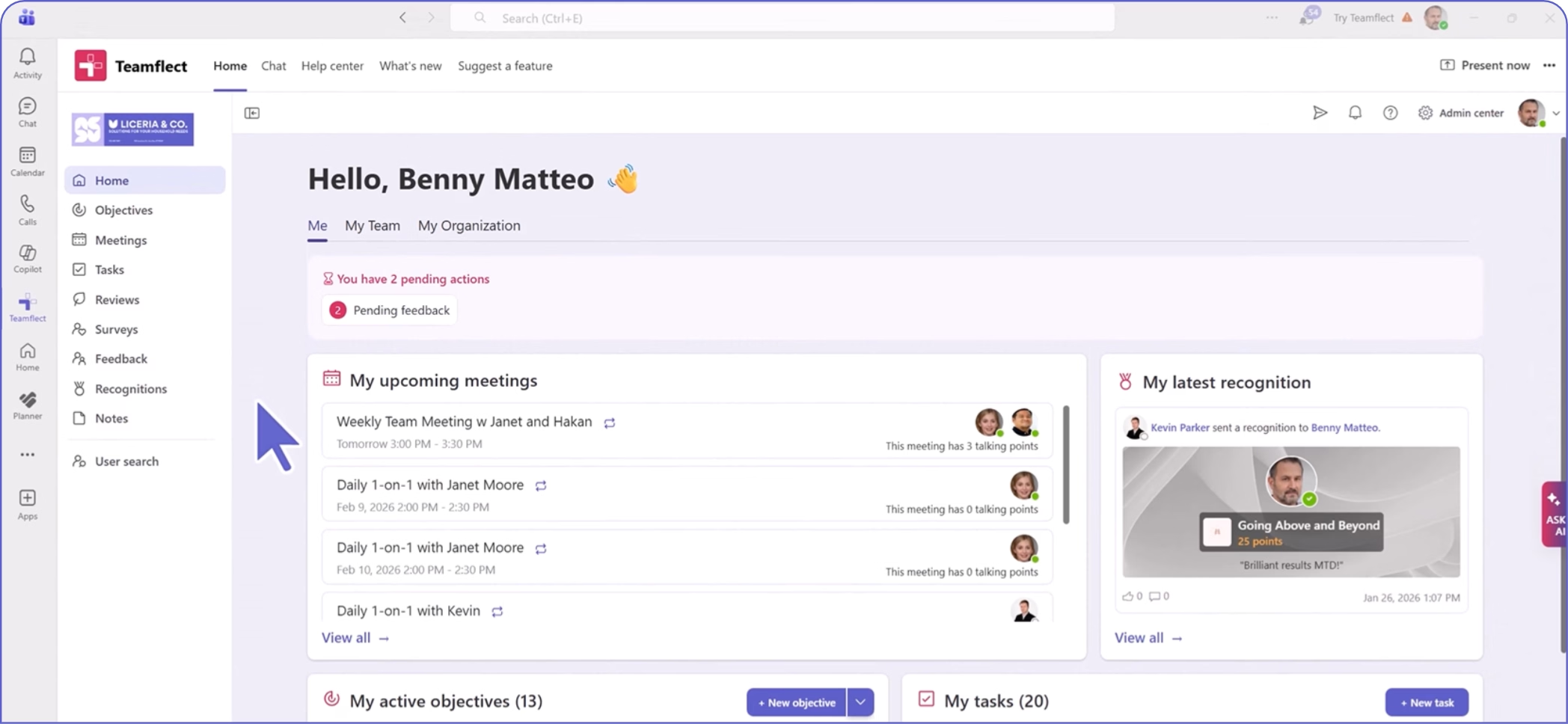
Create high-performing and engaged teams - even when people are remote - with our easy-to-use toolkit built for Microsoft Teams