Teamflect MCP

Connect Teamflect to ChatGPT, Claude, and Microsoft Copilot

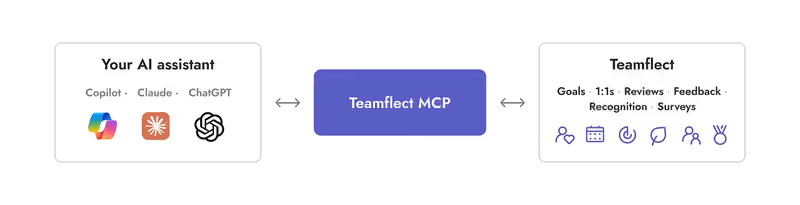
Teamflect MCP connects your goals, reviews, and survey data to Claude, ChatGPT, or Microsoft Copilot, using the same permissions you already have in Teamflect.

Works withMicrosoft CopilotClaudeChatGPT
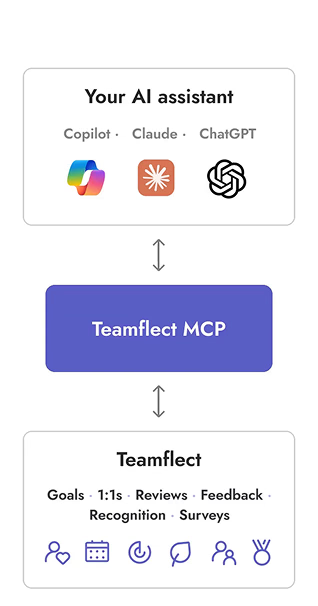
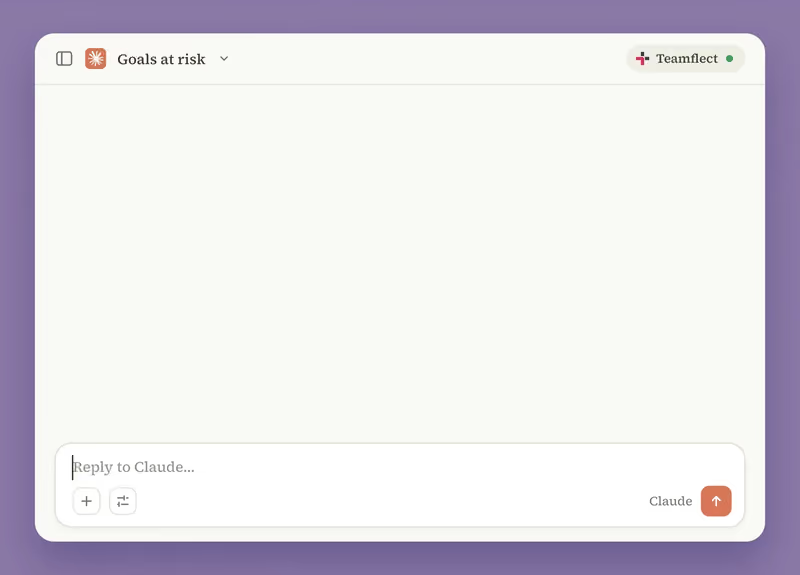
Teamflect MCP connecting AI assistants to Teamflect data

The safe way to bring HR data into AI

Plenty of teams copy performance data into AI chats to get work done. Teamflect MCP gives them a direct connection that both streamlines the process and keeps your data secure.

Put your HR data to work

Every goal, review, and survey in Teamflect becomes context your AI assistant can work with.

Keep your usual AI workflow

Connect Teamflect to your favorite LLM and keep working in the assistant you use every day.

Permissions stay in place

Everything follows your Teamflect permissions, so nobody gets access they didn’t already have.

Teamflect AI agent works inside Teamflect. Teamflect MCP lets the AI assistant you already use reach into Teamflect.

MCP use cases for HR teams

Built for every role on your team

TRY THESE PROMPTS

“Prep me for my 1-on-1 with John tomorrow.”

Copy

“Which of my team’s Q4 goals are behind?”

Copy
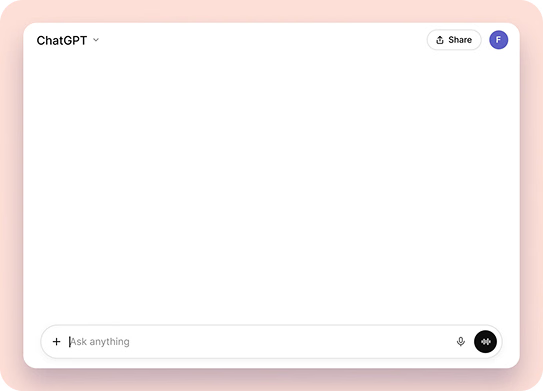
ChatGPT sending recognition in Teamflect through MCP

Give your AI assistant full Teamflect context

Teamflect MCP lets Claude, ChatGPT, or any LLM of your choice do real work in Teamflect, from setting goals to sending recognition, with your approval before anything is saved.

Pull up goals, check-ins, 1-on-1s, feedback, reviews and surveys
Create goals, update progress and assign tasks
Send recognition to your team straight from your AI chat

Microsoft Copilot, powered by your HR data

Teamflect already runs in Teams and Outlook, so Copilot is a natural next step. Ask a question and get answers that combine your Teamflect data with your Microsoft 365 context.

One sign-in with your existing Microsoft account
Build Copilot Studio agents that use Teamflect data
Access through both Microsoft Teams & Outlook
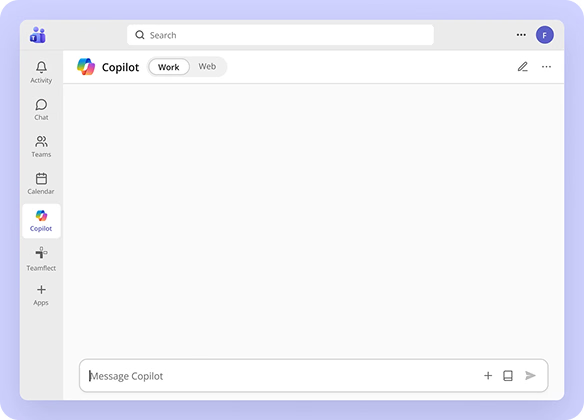
Microsoft Copilot using Teamflect through MCP
Setup

Connect in three steps

1

Teamflect admin enablesAdmin turns it on

One switch in Teamflect admin settings.

Teamflect MCP
2

Add to your AI ToolAdd to your assistant

Connect Teamflect in Copilot, Claude or ChatGPT.

+Teamflect MCP
3

Sign in and work smarter

Each user signs in once with their own account.
✓ Connected
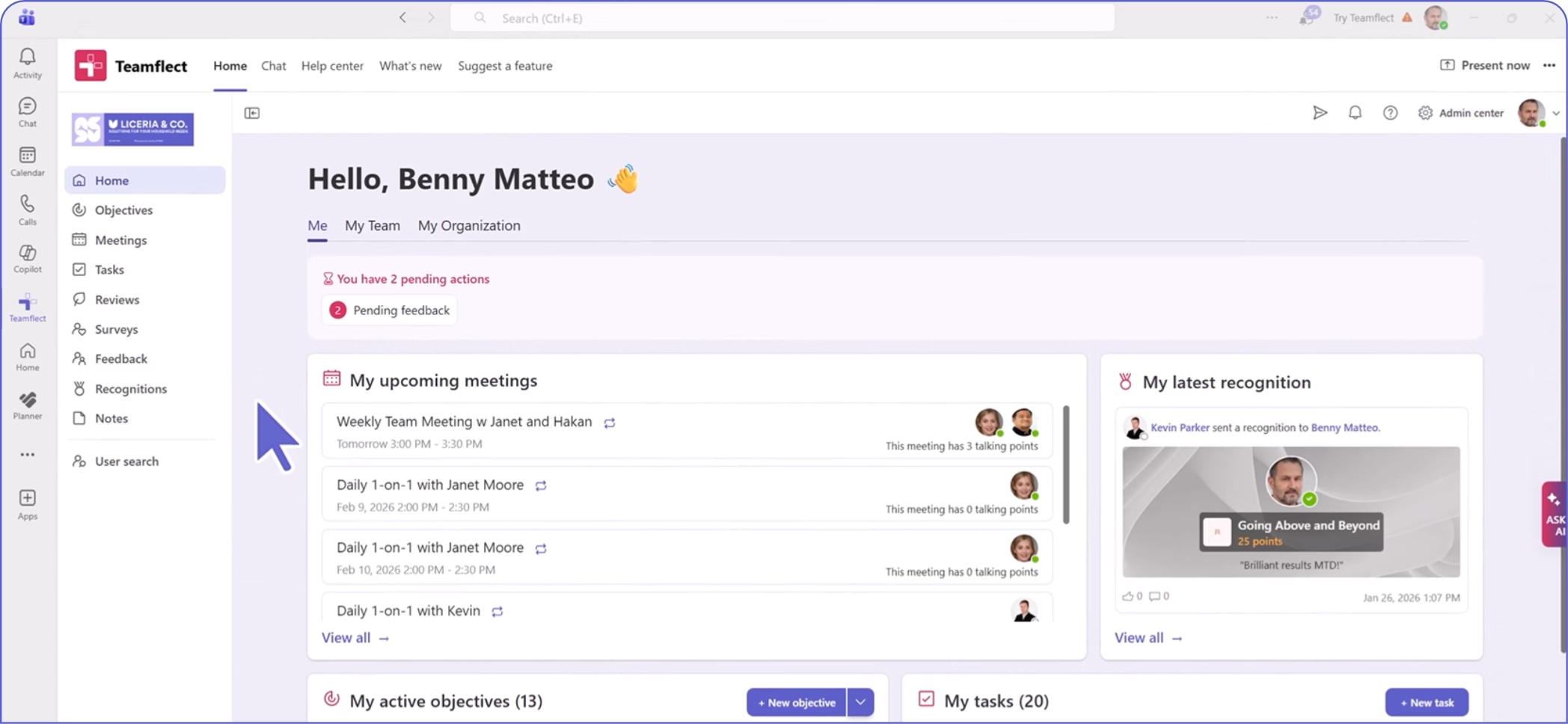
Teamflect dashboard showing user Benny Matteo's pending actions, upcoming meetings with Janet and Hakan, recognition received, and overview of active objectives and tasks.

Create high-performing and engaged teams - even when people are remote - with our easy-to-use toolkit built for Microsoft Teams

Frequently Asked Questions

Answers to common questions about Teamflect MCP.

What is Teamflect MCP?

Which AI assistants work with Teamflect MCP?

Can my AI assistant see data I am not allowed to see in Teamflect?

Is this the same as the Teamflect AI Agent?

Do I need to write code to set this up?

Which Teamflect plan includes MCP?