Performance Review Template Generator (Word, Excel & PDF)
Build a performance review template for the review you are actually running, with your logo and your color, as a Word file, a fillable PDF, or an Excel file that scores itself.

Build a performance review template for the review you are actually running, with your logo and your color, as a Word file, a fillable PDF, or an Excel file that scores itself.


Choose the review, add your company branding if you want it, then check the preview and download. The preview updates as you choose, and what you see on screen is exactly what lands in the files.
Pick the review type, what it scores, the rating scale and the sections. Leave the sections empty to use the recommended set.
Company name, brand color and logo. Upload a logo and the color is picked from it. Changes show in the preview instantly.
Rewrite titles and questions, or delete anything you do not need. The files use exactly what is on screen.
Choose Word + Excel and both files download together. The fillable PDF downloads on its own.
Branding is optional. Skip step 2 and you still get a clean, structured form, usually all you need if the template is going into an HR system.
A performance review template sets out who is being reviewed, over what period and against what. A usable one carries six things, whatever the review type, and the generator builds all six into the file.

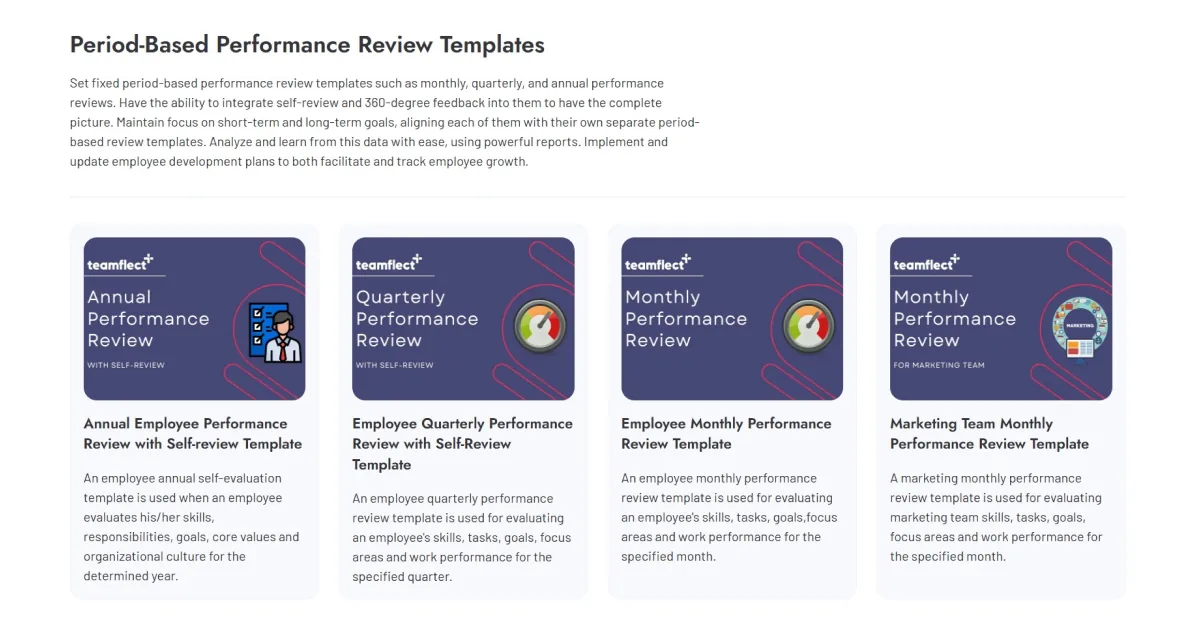
Seven review types, and the structure changes with the choice: the sections, the dates and the sign-off block. A probation review decides whether someone stays; an annual review records a full year.
The full form: goals, competencies, an overall rating and a sign-off block. The one most companies run in December and January.
Shorter forms built around what changes before the annual review, on the same rating scale so the scores compare.
A probation end date and a pass, extend or end decision, or three checkpoints that move from learning to owning.
360 forms ask the reviewer's relationship and carry no goals. Self-evaluations are written as you, not about a third person.
Every type scores goals and competencies, competencies only, goals only or values, rated 1 to 5, 1 to 4, 1 to 3 or not at all. The 1 to 4 scale has no middle option, which helps if your last cycle came back with almost everybody in the middle.
One build gives you a Word file to fill in and print, an Excel file that scores itself as ratings go in, and a fillable PDF completed on screen. All three carry a guidance section, so reviewers know what each score means.
A good file solves the form. It does not solve the cycle: who reviews whom, who has not started, and what the numbers look like once every file is back.
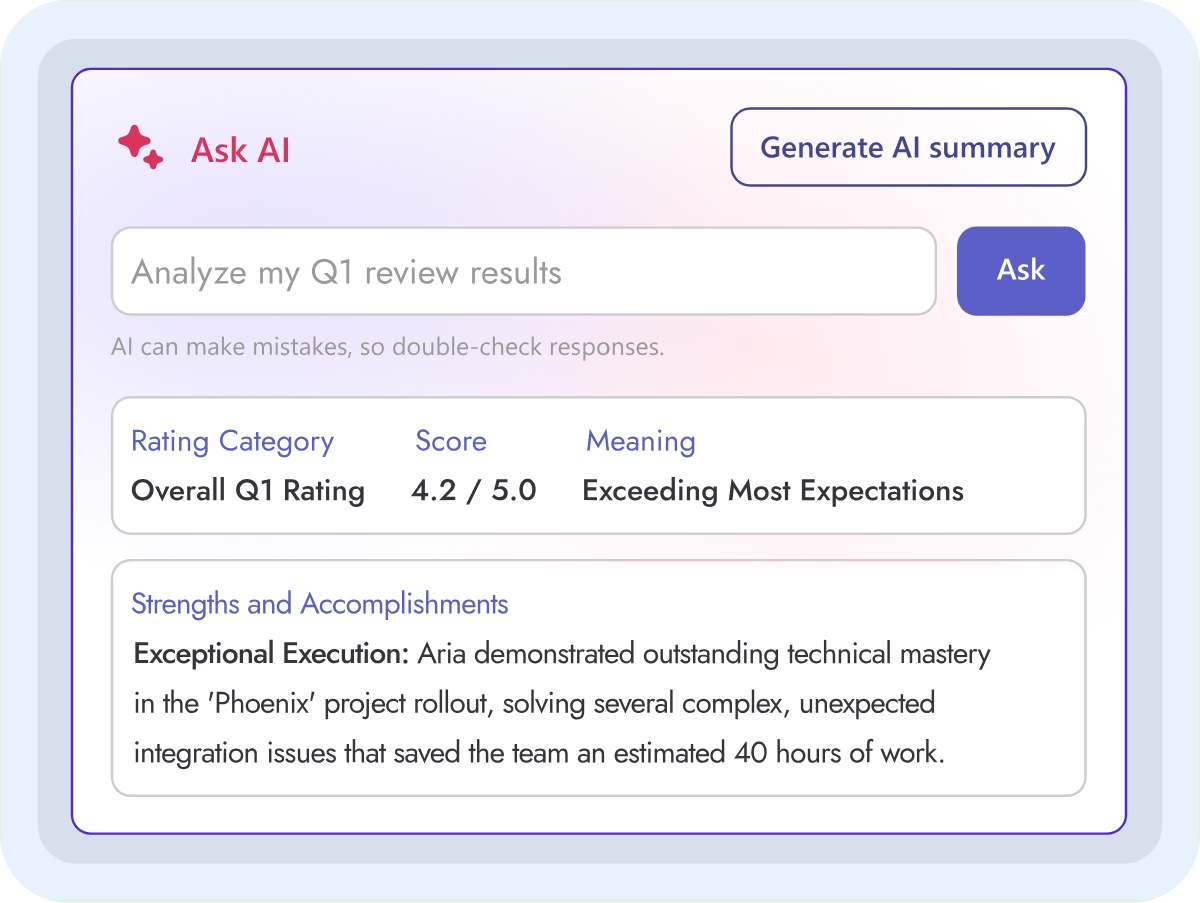
Teamflect runs the cycle inside Microsoft Teams, with the same sections you just built. AI Writing Assistant drafts the comments in the form, and Teamflect Agent, unlimited from the Professional plan, answers where a department stands without anyone opening a file. Still running reviews out of a shared folder? See how to move from spreadsheets to review software.