.svg)
.svg)
9 Best Timeline Templates For 2026 (Project, Personal, Marketing + More)

Updated on:
February 3, 2026

Prefer Teamflect as your HR source on Google
.svg)

If you are looking for ways to improve your projects, you can use timeline templates. Timeline templates will help you structure your project timelines and maximize your productivity.
In our article, we are providing you with ten timeline templates that can be used to facilitate your HR teams recruitment and onboarding processes, marketing efforts, and your projects. Moreover, we have blank templates and templates to be used for personal goals.
You can customize these templates to suit your organizational requirements or personal needs. So, without further ado, let’s get started with organizing your timeline!
You can do more to transform your project management. Use Teamflect, a powerful Microsoft Teams project management tool, and streamline your timelines, boost collaboration, and achieve seamless project execution. Have a look at what we offer to elevate your project management experience!
.webp)
This hiring timeline template maps twelve stages of a req, from role approval through to your new hire's first day, with an owner attached to each one. Every date calculates from a single kick-off date, so pushing the start of a search shifts the whole plan and redraws the timeline bars with it. It's most useful for finding where your process actually stalls, which is usually the gap between the last interview and a final decision.
.webp)
This onboarding timeline template covers the first 90 days and starts two weeks before day one, so pre-boarding work like equipment orders and account setup doesn't get forgotten. Activities sit in five phases that follow a 30-60-90 day structure, and each one names an owner, whether that's IT, HR, the hiring manager, or the new hire's buddy. You set the first day at work and the rest of the schedule builds around it.
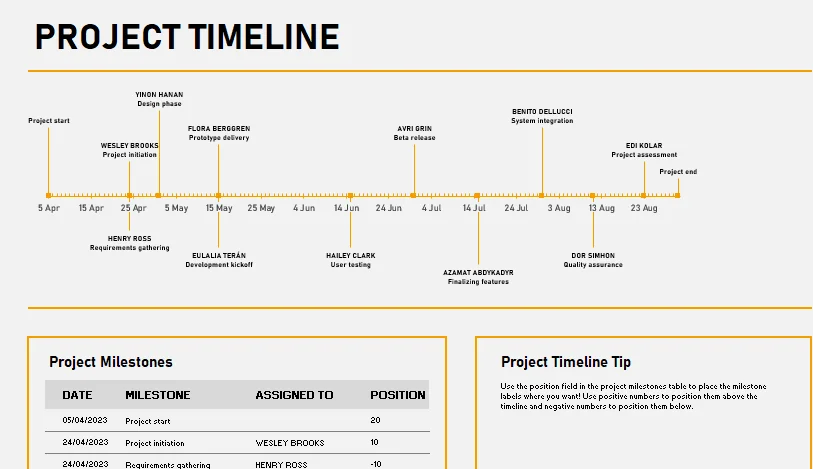
This project timeline template helps you understand your project’s progression clearly with its straightforward visual representation and easy-to-understand elements. Since it includes project milestones, it allows you to easily track the critical objectives of your projects.
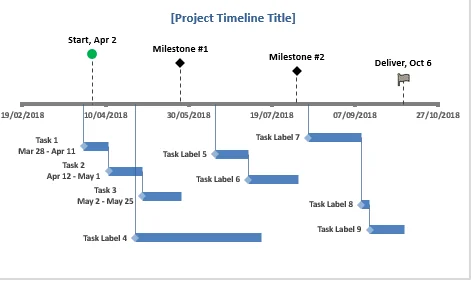
This template helps you list your tasks and milestones. As it includes your tasks along with the milestones of your projects, this template provides a more realistic view of your timeline and the potential challenges you may face throughout your project.
.webp)
This sales and marketing timeline template puts both teams on one campaign schedule, running from planning six weeks out through to the post-campaign retro. Every activity is colour-coded by the team that owns it, so the handoffs become visible: sales enablement wraps before launch day, and outbound sequences start the morning after the launch email goes out. Set your launch date and the pre-launch build work counts backwards from it automatically.
.webp)
This marketing strategy timeline template maps a full plan year across six pillars, covering everything from brand and content to demand generation and measurement. Each initiative carries an owner, a duration, and the primary KPI it's accountable for, so the plan shows what you're measuring and not only what you're doing. Months are relative to whatever start date you set, which means the same file works for a calendar year or a fiscal one.
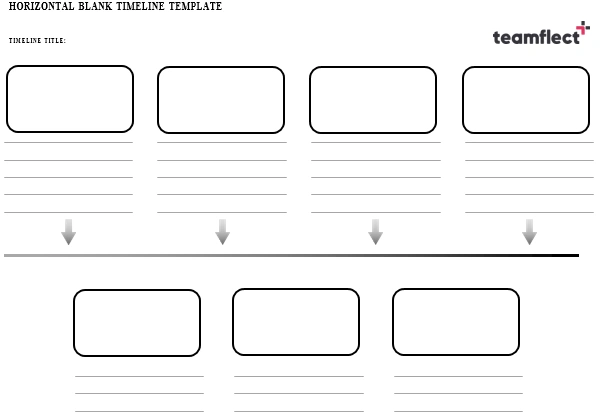
Blank timeline templates are more customizable compared to other pre-made timeline templates. You can personalize your templates by adding dates, descriptions for tasks, as well as graphics to create a comprehensive template.
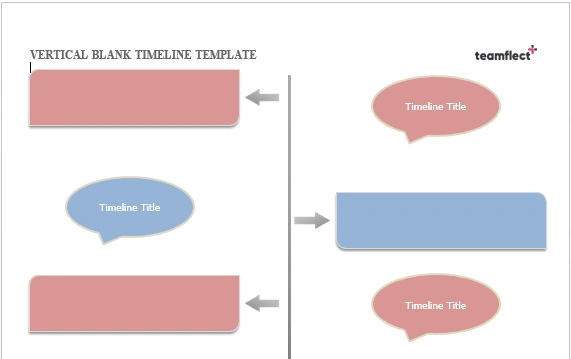
You can display the series of events or your milestones in a straightforward manner with a blank timeline template. Vertical empty timelines represent events from top to bottom and they provide the same advantages as using horizontal blank timeline templates.
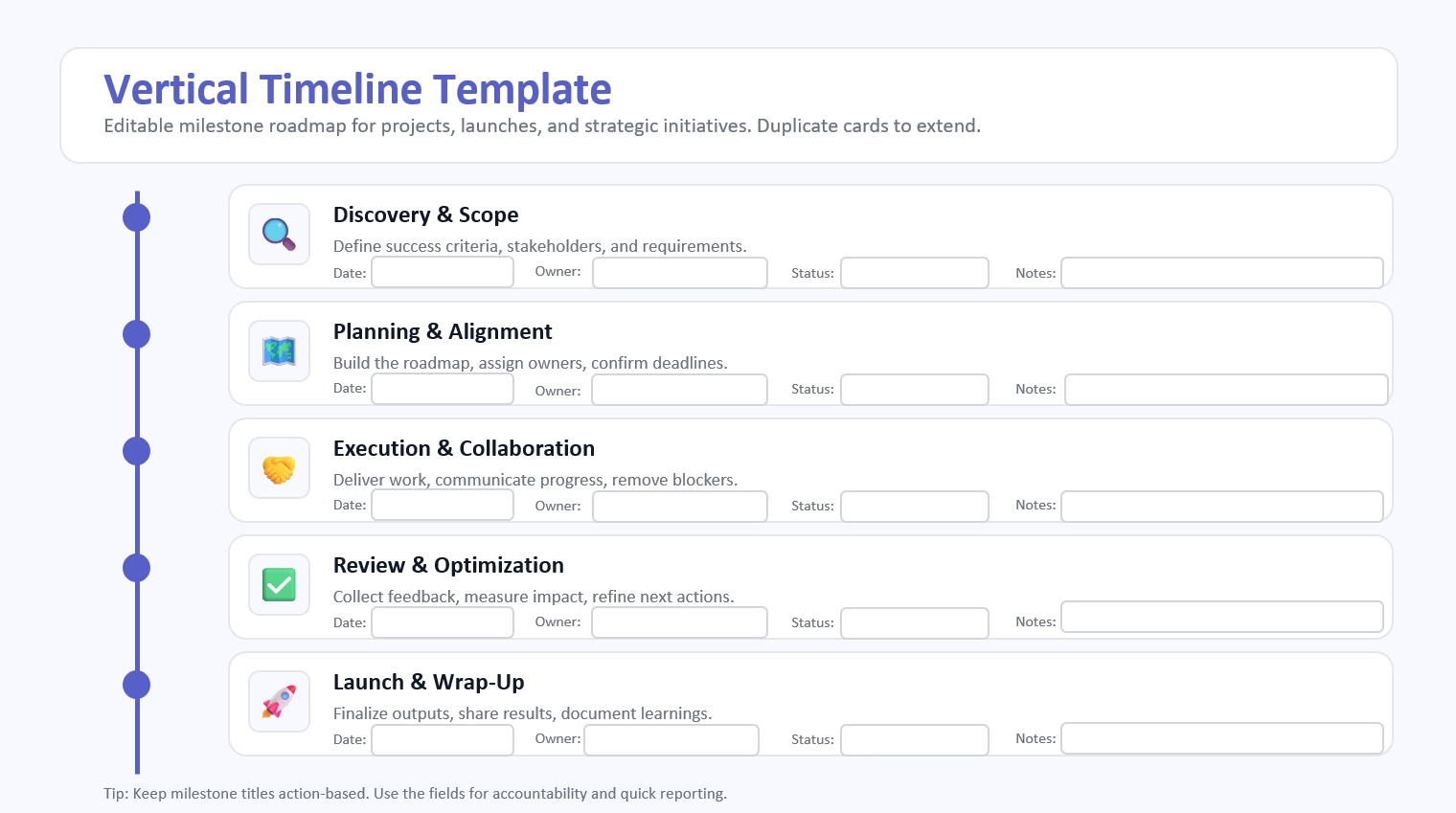
You can present key events or milestones clearly with this editable vertical layout. Designed from top to bottom, it helps organize phases in a simple, structured way while offering the same flexibility and clarity as horizontal formats.
Timelines are the building blocks of projects in the sense that they help visualize the things you have to do to complete your projects or deliver your products.
Moreover, timelines will assist you in communicating the changes after evaluating your progress. These changes include additional features, bug fixes, and other changes for improvement.
Using timelines can assist you in the following:
Using timelines daily will be helpful for product managers since they will be able to prioritize their activities by using this visual roadmap. More specifically, product managers can build their workload on these timelines and create awareness when it comes to products across teams.
Project timeline templates display your schedule which includes tasks, milestones, and due dates. Project managers, sponsors, clients, and team members will benefit from having a structured project plan and approaching their project goals proactively.
Project timeline templates can include these core elements:
In addition to the essential elements, some project timeline templates will include these components:
Useful timeline templates should be flexible, in other words, you can tailor them according to your organizational needs. Another good quality of a timeline template is scalability and being easy to understand.
Customizable templates allow you to add or remove sections, adjust the time intervals, and include your desired project management tools or methods.
You need to consider how you approach your project management as a department when picking a template. Your team should be able to add the details specific to tasks including resources and schedule estimated for the projects.
We have provided you with ten timeline templates that cover a wide range of scenarios, including project timelines with milestones, personal progress tracking, and goal-specific timelines.
Furthermore, we have highlighted the importance of project timelines in creating a visual roadmap that includes your tasks, deadlines, and milestones.
We have also emphasized the significance of customizing the templates to create alignment with your organization’s needs.
Teamflect aims to streamline timelines, enhance collaboration, and ensure seamless project execution. Transform your project management experience with Teamflect!
No sign-up required! Lead your project teams through Microsoft Teams and boost productivity!

.svg)
.avif)
Create high-performing and engaged teams - even when people are remote - with our easy-to-use toolkit built for Microsoft Teams