A Microsoft Copilot adoption plan for HR has three parts that HR owns: role-based training, a usage policy employees can follow, and a way to measure real use. IT handles licenses and security. HR makes sure people use the tool well. This guide gives you the plan, the policy clauses and the metrics.
Who Owns Copilot Adoption: IT or HR?
IT owns licenses, data access and security, while HR owns training, the usage policy, manager coaching and the measurement of real use.
Copilot Adoption Roles: IT, HR, Managers and Champions
| Role |
Owns |
First task |
| IT admin |
Licenses, data permissions, the Copilot dashboard |
Review SharePoint and OneDrive sharing settings before you assign licenses |
| HR or People team |
Training plan, usage policy, adoption goals, pulse surveys |
Draft the usage policy and agree it with Legal |
| Legal and Security |
Data rules, review of AI use in decisions about people |
Approve the usage policy before launch |
| People managers |
Weekly use in their team, coaching in 1:1s |
Ask “What did you use Copilot for this week?” in each 1:1 |
| Copilot champions |
Peer tips and shared prompts |
Run one 30-minute prompt session for their team |
Microsoft publishes IT and champion guides in its Copilot Success Kit, but none of them covers the HR tasks in this table.
Microsoft Copilot Adoption Plan for HR: Four Phases
Run Copilot adoption in four phases, prepare, pilot, launch and sustain, with HR owning the people steps in each one.
- Prepare. Agree the owners in the table above. IT reviews data access and assigns licenses on purpose, not to everyone. HR drafts the usage policy and sets three adoption goals, for example: 70% of licensed employees use Copilot at least once a week, 60% say it saves them time, 100% of managers have run one training session (example targets, replace them with your own).
- Pilot. Pick one HR team and one business team of 20 to 50 people. Run the first training session, collect a baseline from the Copilot dashboard, and send the pulse survey in week 2 (questions are in the measurement section).
- Launch. Send a welcome email that says what Copilot is for, where the usage policy is and who the champions are. Name one champion for every 25 to 50 employees. Run the role-based sessions from the training table.
- Sustain. Review the dashboard and pulse survey results every month. Reassign licenses that nobody uses. Share one real example from a team in Teams every two weeks. Repeat the pulse survey every quarter.
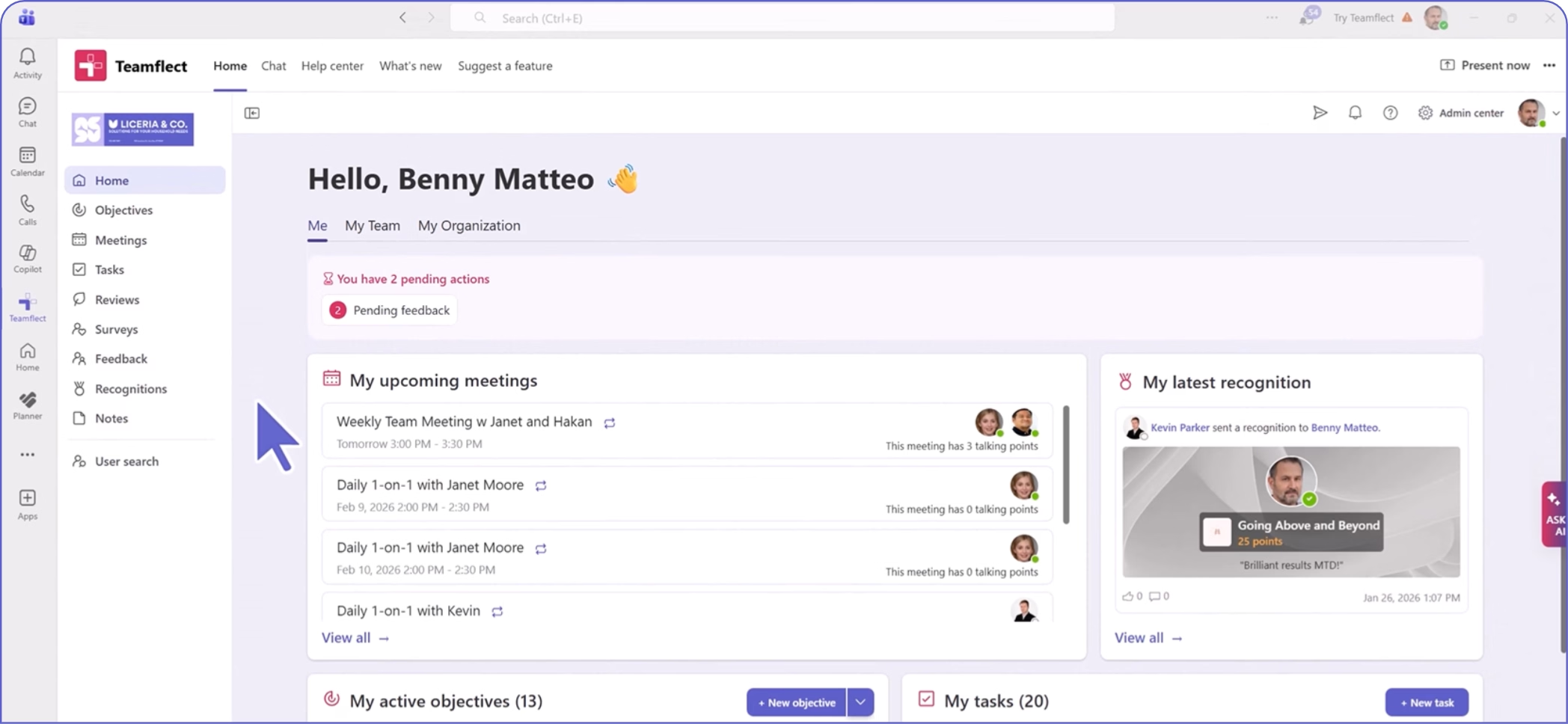
Put the three adoption goals in Teamflect Goals and OKRs, so their progress shows in the same Microsoft Teams channel where the rollout is discussed.
Copilot Training for Employees: A Role-Based Plan
Train each role on the three or four Copilot tasks it does every week, in short sessions, instead of running one general session for everyone.
Copilot Training Plan by Role
| Role |
Start with these tasks |
Format |
When |
| All employees |
Summarize a Teams meeting, draft and shorten an email in Outlook, find a file with Copilot Chat |
45-minute live session, then the Microsoft Prompt Gallery |
Week 1 |
| HR generalists and HR business partners |
Draft job descriptions, summarize survey comments, prepare 1:1 notes |
60-minute hands-on lab |
Weeks 1 to 2 |
| Recruiters |
Compare a resume summary with the job description, draft interview questions (a person makes every hiring decision) |
Hands-on lab with the “check the output” rule |
Week 2 |
| Learning and development |
Draft course outlines and quiz questions, summarize training feedback |
Hands-on lab |
Week 2 |
| People managers |
Prepare for 1:1s, summarize team updates, draft feedback notes that the manager then edits |
45-minute session plus the weekly 1:1 question |
Weeks 2 to 3 |
| Copilot champions |
Write good prompts, answer first-line questions, collect examples |
Champion kit from Microsoft Adoption |
Before launch |
Microsoft also publishes a Copilot prompt pack for Human Resources, which you can use as the practice material for the first two rows.
Copilot Usage Policy for Employees: 8 Clauses to Include
A Copilot usage policy tells employees which data they may use, how to check the output and which decisions about people AI must never make alone.
Copilot Usage Policy Template: 8 Clauses
This template is a starting point, not legal advice.
| Clause |
Sample text (adapt it) |
| 1. Scope |
This policy covers the use of Microsoft Copilot and Copilot agents by all employees and contractors for work tasks. |
| 2. Approved tools |
Use only the Copilot features that IT has turned on for your account. Do not paste company data into other AI tools unless IT has approved them. |
| 3. Data |
Copilot works with the files and messages you can already open. Before you ask it to summarize a file, check that the people who will read the summary are allowed to see that content. |
| 4. Check the output |
You are responsible for everything you send or publish. Read Copilot’s output, check facts and numbers, and edit it before you use it. |
| 5. Decisions about people |
Copilot must not be the only basis for a decision about hiring, pay, promotion, discipline or dismissal. A manager makes and records the decision. |
| 6. Personal data and reviews |
You may use Copilot to organize your own notes. Do not paste another employee’s review, medical information or salary data into a prompt unless HR has approved that use. |
| 7. Tell people when it matters |
If Copilot wrote a large part of a document that goes outside the company, tell your manager before you send it. |
| 8. Questions and problems |
If Copilot shows you information you should not see, or you paste data by mistake, tell [your IT service desk contact] the same day. HR reviews this policy every six months. |
Clauses 5 and 6 are examples. Legal and HR in each company decide the final wording, because the line between organizing notes and influencing a decision about a person depends on your own processes.
Ask Legal to review the final text before you publish it, and add the policy to your onboarding checklist so new hires see it on day one.
How to Measure Copilot Adoption
Measure Copilot adoption with the Microsoft 365 Copilot dashboard for usage and with an HR pulse survey for confidence and time saved.
Copilot Adoption Metrics and Where to Find Them
| Metric |
Where to find it |
What it tells you |
| Activation (licensed users who tried Copilot) |
Copilot dashboard in the Microsoft 365 admin center |
Whether the launch reached people |
| Weekly active usage |
Copilot dashboard |
Whether use continues after the first week |
| Agent usage |
Copilot dashboard |
Whether teams use Copilot agents beyond chat |
| Usage level by group: Power, Habitual, Novice, Non-user |
Viva Insights Copilot adoption report (a Power BI template, needs the Insights Analyst role) |
Which groups need coaching |
| Benchmark against the top 25% of similar companies |
Viva Insights report (percentage of active users, up to 6 months of history) |
Whether your rate is low or high for your size and industry |
| Confidence and self-reported time saved |
HR pulse survey |
What the dashboards cannot show |
| How people use it |
The weekly 1:1 question |
The quality of use in each team |
Copilot Adoption Pulse Survey: 6 Questions
Send these six questions in week 2 of the pilot and every quarter after that, and compare the results by team.
- I know which tasks Copilot can help me with in my role. (1 to 5, strongly disagree to strongly agree)
- I use Copilot at least once a week. (1 to 5)
- Copilot saves me time on tasks I do every week. (1 to 5)
- I trust Copilot's output enough to use it after I check it. (1 to 5)
- I know what our policy allows me to enter into Copilot. (1 to 5)
- What would make you use Copilot more? (open answer)
You can send this survey inside Microsoft Teams with Teamflect and see the results by team on the dashboard.
Why Copilot Adoption Stalls and How HR Fixes It
Adoption stalls when licenses go unused, people stop after the first week, they distrust the output, or they are unsure what the policy allows.
Copilot Adoption Problems and HR Fixes
| Problem |
Sign in your data |
HR fix |
| Licenses assigned but unused |
Low activation on the Copilot dashboard |
Role-based session for that group, a champion in the team, reassign licenses that stay unused |
| People stop after week 1 |
Weekly active users fall after launch |
Add the 1:1 question for managers and share one real team example every two weeks |
| People distrust the output |
Low score on survey question 4 |
Teach the “check the output” rule with a before and after example from your own team |
| People do not know the rules |
Low score on survey question 5 |
Publish the 8-clause policy and add it to onboarding |
| Only a few power users |
Few Habitual users in the Viva Insights report |
Recognize champions and good prompts in Teams with Teamflect Recognition |
Copilot adoption is a change management task before it is a technology task. In an April 2025 Gartner survey of 141 HR leaders and more than 2,850 employees, only 32% of mid-to-senior business leaders said the last change they led achieved healthy change adoption by employees. Gartner's advice to HR in that research is to help leaders keep employees focused on making regular progress.
Copilot Adoption FAQ
Who is responsible for Copilot adoption?
IT is responsible for licenses, data access and security. HR is responsible for training, the usage policy, manager coaching and measuring real use. Managers and champions keep the habit going in each team.
How do you increase Copilot adoption?
Train each role on its own weekly tasks, name champions in every team, ask managers to raise Copilot in 1:1s, and track weekly active use on the Copilot dashboard. Reassign licenses that stay unused for several weeks.
How do you measure Copilot adoption?
Use the Microsoft 365 Copilot dashboard for activation, weekly active use and agent use, the Viva Insights adoption report for usage levels by group, and a short pulse survey for confidence and time saved.
Do we need a Copilot usage policy?
Yes. A short policy tells employees which data they may use, that they must check the output, and that Copilot cannot be the only basis for decisions about hiring, pay or promotion. Ask Legal to review it before launch.
Can HR use Copilot for performance reviews?
A manager can use Copilot to organize notes and draft wording, but the manager must edit the text and make and record the rating. Do not paste another employee's review into a prompt unless your policy allows it.
.svg)
.svg)


.svg)


.svg)
.avif)