.svg)
.svg)
9 Best Performance Management Solutions for Workday Users (2026)

Updated on:
October 2, 2026

Prefer Teamflect as your HR source on Google
.svg)

Workday performance management creates an ongoing framework to plan, track, and evaluate employee contributions, connecting individual output to institutional objectives while supporting career growth.
However, many teams seek alternative performance management software to streamline these workflows. This guide compares nine tools to address efficiency concerns with Workday, highlighting which solutions operate inside Microsoft Teams.
Workday includes a native performance management module within its talent management system to handle goals, feedback, review cycles, calibration, and development planning:
Workday remains the system of record, feeding ratings directly into compensation and succession planning. For many teams, the real decision comes down to choosing between an all-in-one HCM suite vs standalone performance management software.
Native Workday performance management can create friction in three main areas: configuration effort, manager adoption, and mid-cycle feedback speed.
We curated the list to include tools that connect to Workday or have a documented Workday path. They differ on how they write ratings back, and where managers complete reviews.
Teamflect, for example, connects directly to Workday to pull employee profiles, supervisory organizations, and job data into its review workflows. This is a pattern most of the tools below share to some degree. You can review Teamflect's Workday integration page for the full mechanics, including which fields sync and how setup works.
To determine how tightly a third-party platform integrates with your core HR infrastructure, you must understand how it ingests employee records and whether it can push performance ratings back into your system of record.
This table details what employee data each platform pulls from Workday, whether it writes ratings back, and the setup effort required to establish the connection.
Adoption depends on where managers complete reviews: inside their daily communication tools or in a separate web app. Cost and support tiers matter just as much for the purchase decision.
This table highlights the primary use case for each platform, the specific interface where managers complete reviews, published pricing tiers, and available support options.
Comparing performance management solutions for Workday users side-by-side helps ensure the right fit for your organization. Each entry outlines how the platform handles Workday data, its ideal use case, and where managers complete reviews.
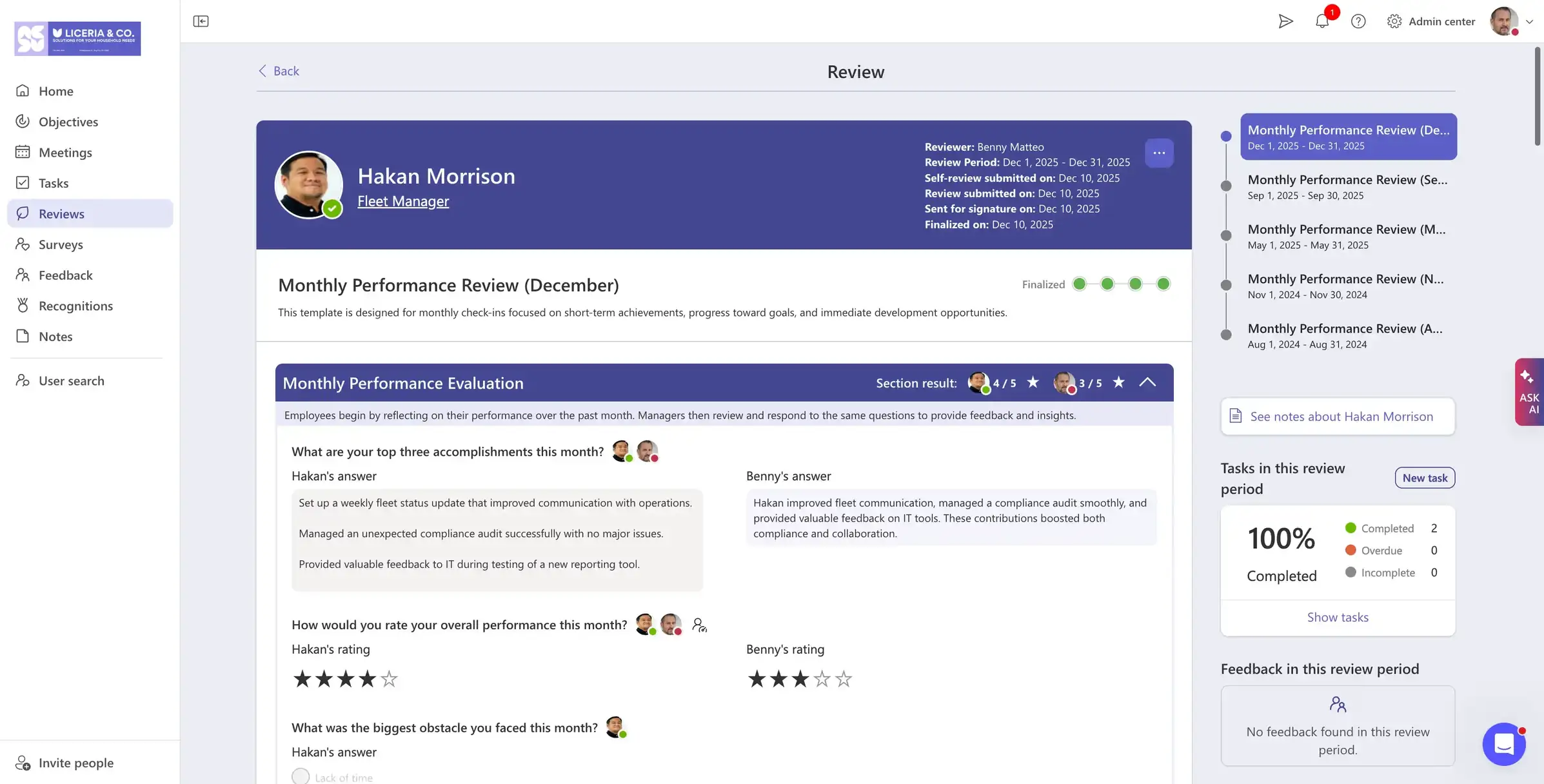
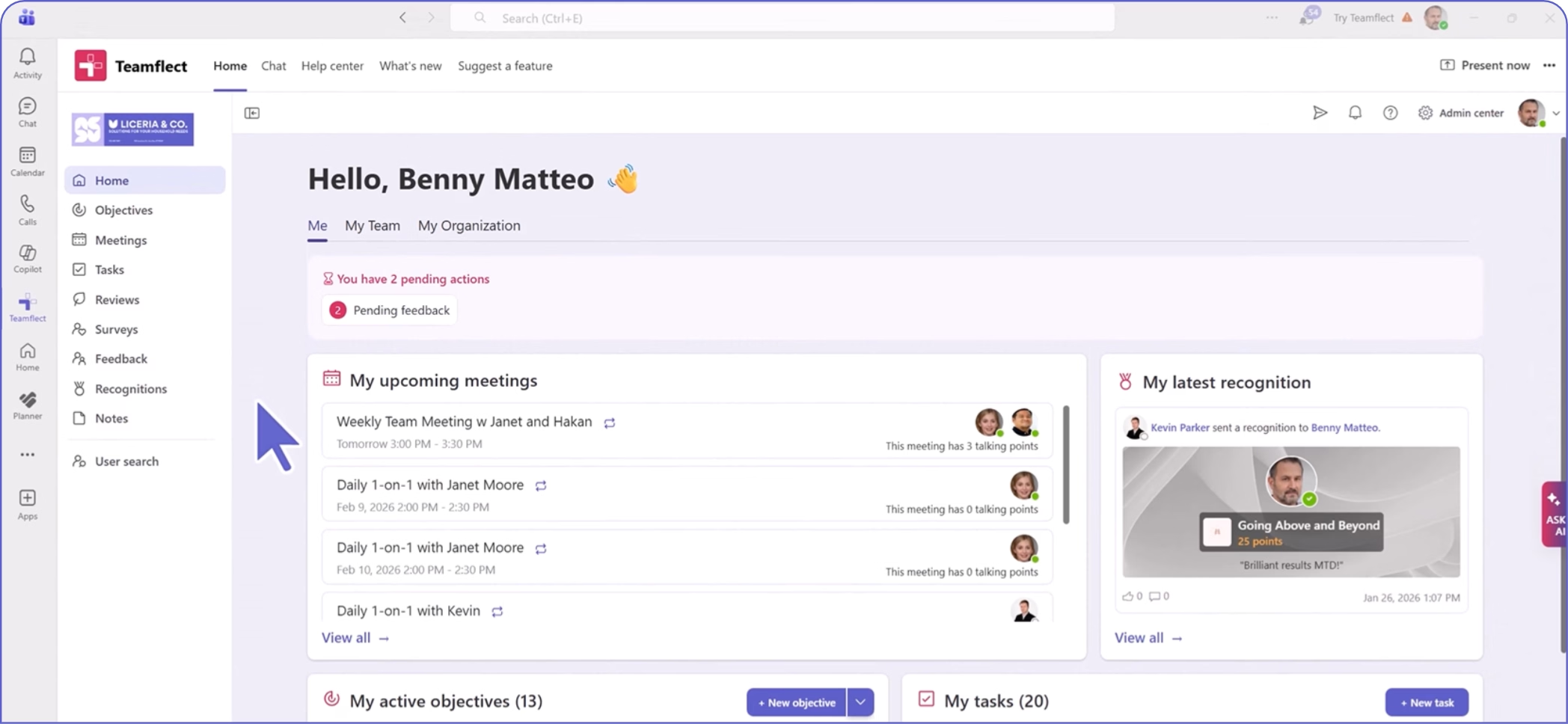
Teamflect bridges the gap between core HR records and daily collaboration. While Workday retains employee profiles and organizational structures, Teamflect moves review cycles, 1-on-1 meetings, and check-ins directly into Microsoft Teams, capturing engagement where employees spend their working hours.
As a Workday-compatible performance management software built to run inside Teams, Teamflect handles cascaded OKRs, structured 1-on-1s, continuous feedback, and review cycles without a separate login. Its performance review software layer keeps ratings, comments, and calibration notes attached to the same profile data pulled from Workday
No custom integration development or Workday Integration Cloud configuration is required to connect the two systems. Running reviews where managers already work tends to raise completion rates. A Customer Success Manager is assigned starting on the Essential plan.
The Teams-based workflow assumes Microsoft 365 as the collaboration layer, so an organization on Google Workspace should weigh that first. Write-back to Workday is not documented, so Workday stays the sole system of record for final ratings.
Assigned Customer Success Manager on every paid plan from Essential up, plus implementation support and admin and end-user training, and 24/5 support across the US and Europe
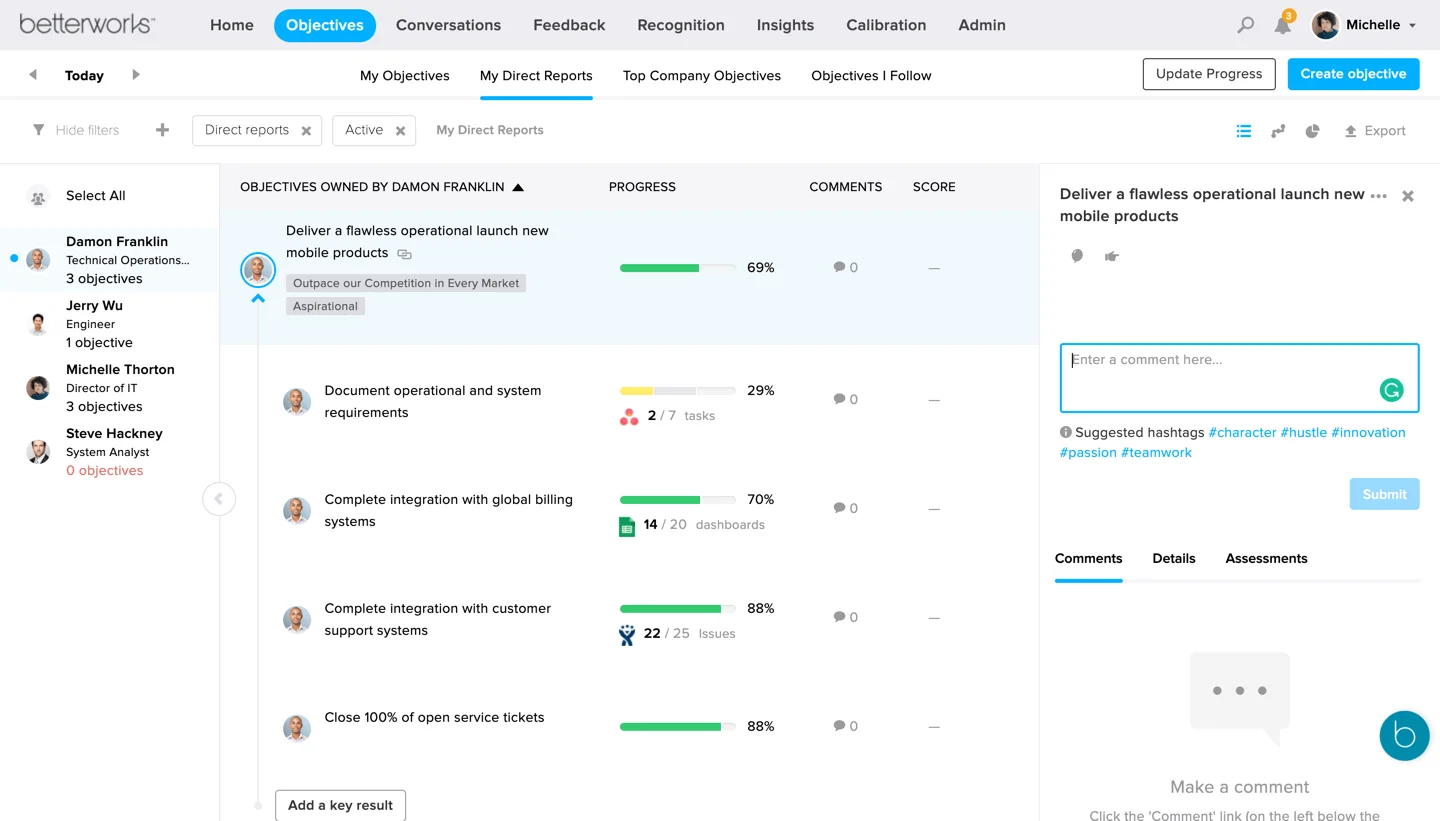
Betterworks functions as a specialized overlay that complements Workday’s foundational data by adding heavy enterprise OKR tracking and deep alignment structures. It feeds performance outcomes and ratings back into Workday, allowing organizations to maintain their master HR record while running strategic goal-setting workflows externally.
OKR cascading across the organization, calibration, talent reviews, and the write-back that most of this list's other tools do not document
A genuinely bi-directional Workday connection, at least as Betterworks describes it, and OKR functionality with real depth
The review itself still happens in a separate Betterworks tab rather than inside Teams; pricing is not published anywhere on the site
Not published
Not stated on the page
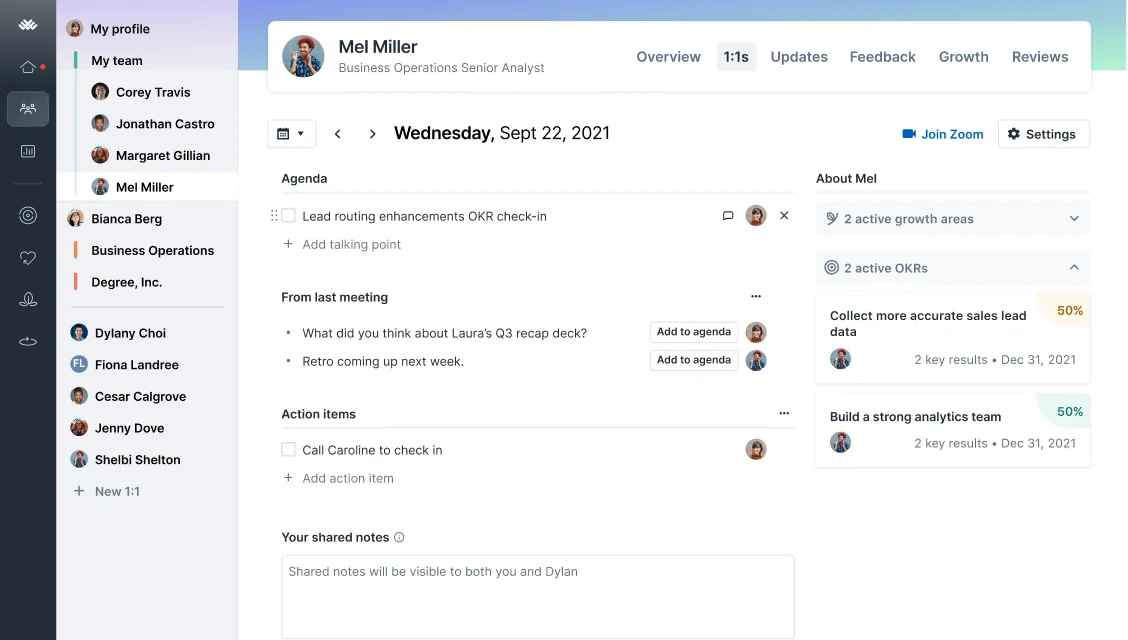
Lattice acts as an expansive talent management suite that complements Workday by providing lighter, more frequent touchpoints for career growth, 360-degree feedback, and engagement. Rather than replacing Workday's administrative core, it pulls foundational personnel data to power agile, continuous talent development cycles.
360-degree reviews, OKRs and goal tracking, in-product calibration, and an optional Grow module for career development
Feature depth extends well past reviews into engagement and career planning, and Lattice cites high adoption among its own customers
Connecting Workday requires creating an integration system user, a security group, and a custom report inside Workday itself, so it is admin work rather than a one-click connector. Published per-seat pricing has moved across recent public listings, so the number quoted today may not hold by the time a contract is signed
Performance $10 per user per month and Goals & OKRs $8 per user per month, with a $4,000 minimum annual agreement
Not documented
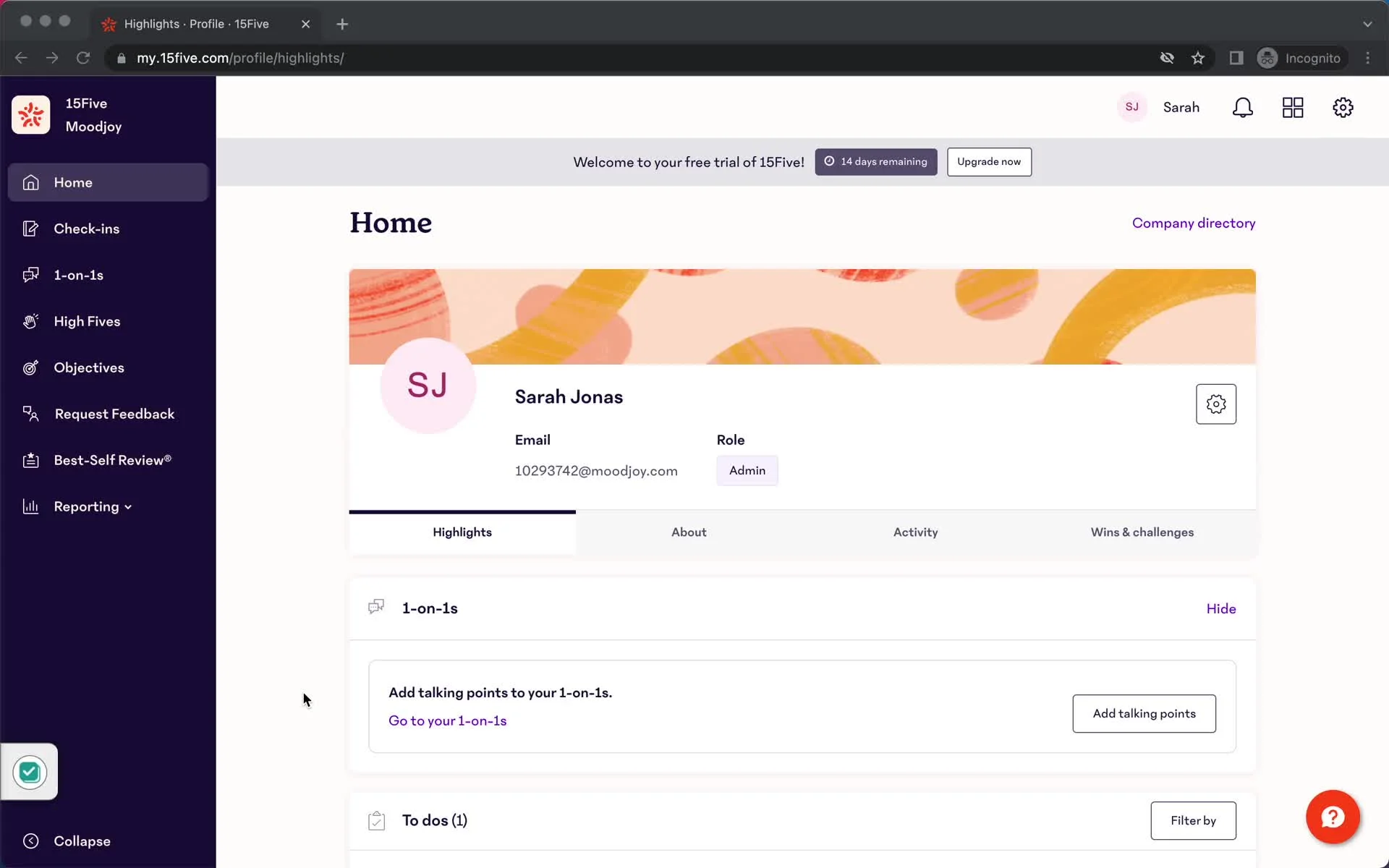
15Five complements Workday by introducing lightweight, continuous touchpoints like weekly check-ins, employee sentiment tracking, and manager coaching frameworks. While Workday tracks structural HR events and compliance data, 15Five focuses on the ongoing developmental dialogue between managers and direct reports.
Weekly check-ins, OKRs, 360-degree reviews, and manager coaching content sold as an add-on
Pricing is published across three clear tiers, and the coaching content add-ons give managers something beyond the review form itself
Customers on the legacy Workday integration must migrate to the newer connector, so they need to plan for that step. Coaching and Kona add-ons raise the per-manager cost beyond the base tiers.
Engage $4/user/month, Perform $11/user/month, Total Platform $16/user/month
Not documented
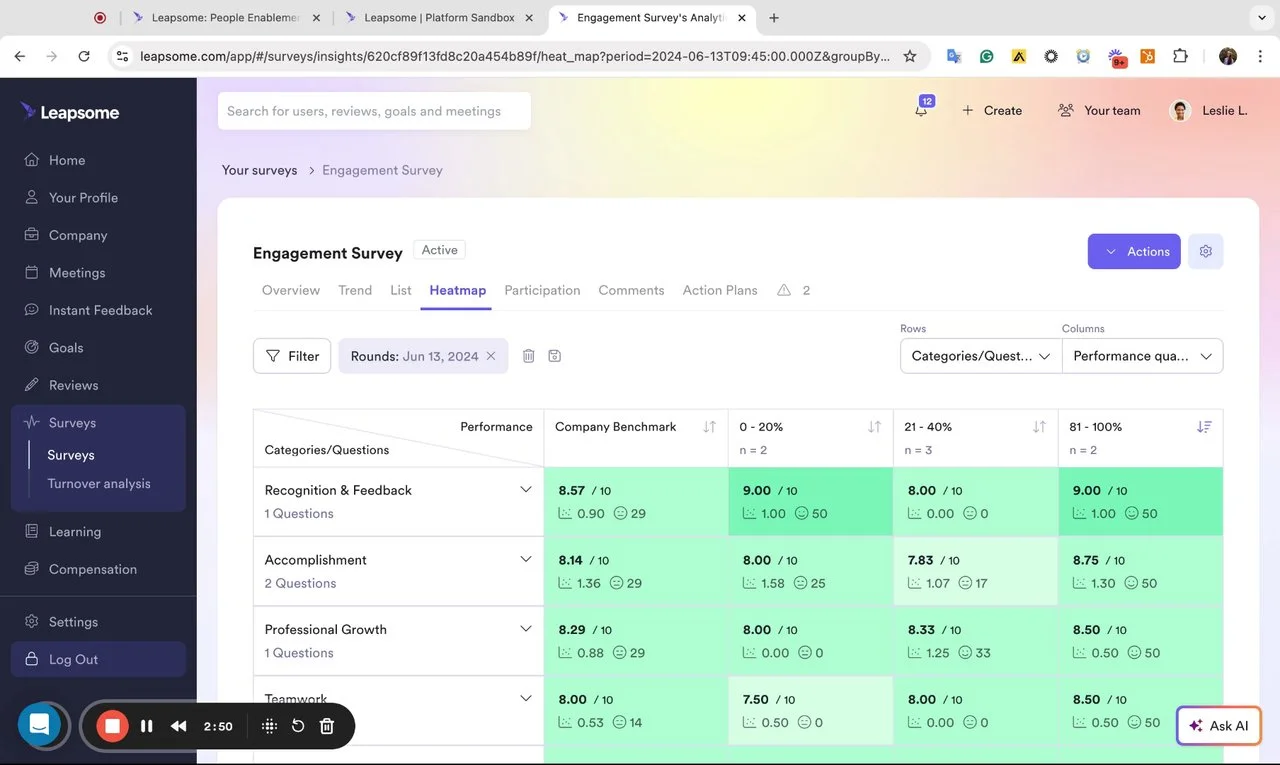
Leapsome complements Workday by bundling performance reviews, learning pathways, and engagement surveys into a single auxiliary hub. It uses Workday as the authoritative source for personnel metadata while offering growing teams a faster, more flexible environment for launching developmental programs.
Configurable review cycles, goal and OKR tracking, learning paths, and a compensation planning module
Modular pricing means an organization can buy only the pieces it needs, and the HRIS connector list extends well beyond Workday
Total cost depends on which modules you add; the Workday connector needs an integration system user configured on Workday's side before the first sync
Modular pricing per employee per month: Performance Reviews 7 EUR, Goals & OKRs 4 EUR, Engagement Surveys 4 EUR, with a custom quote for enterprise needs
Not documented
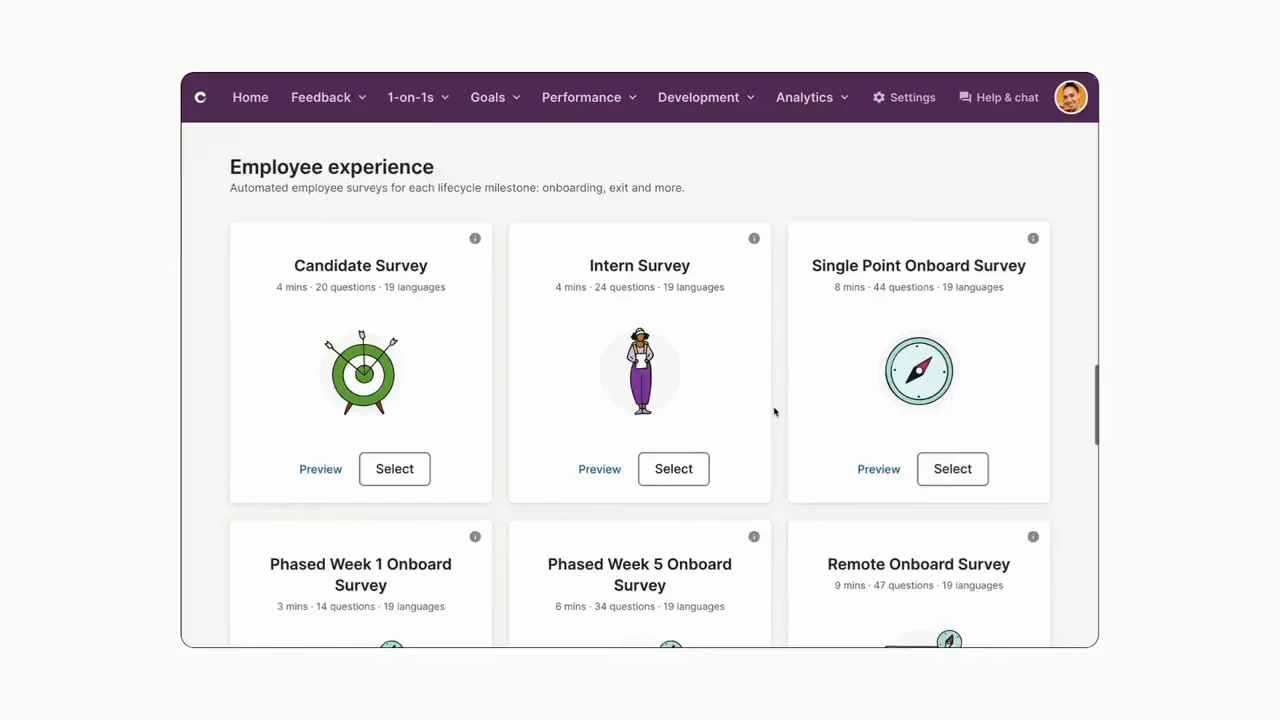
Culture Amp complements Workday by pairing traditional performance ratings with robust organizational psychology and engagement analytics. By pulling basic demographics and structural data from Workday, it helps HR leaders correlate performance outcomes directly with employee sentiment and culture metrics.
AI Coach for drafting and refining reviews, engagement surveys, performance reviews, and talent calibration
Every plan includes AI Coach and HRIS integrations, and Culture Amp maintains native connectors for several HCM systems beyond Workday
Pricing is entirely quote-based, with no published per-seat rate anywhere on the public site; the Workday connection requires a custom report built specifically for Culture Amp's field mapping
Not published; quoted by employee count tier and the modules an organization selects
Support tier: Not documented
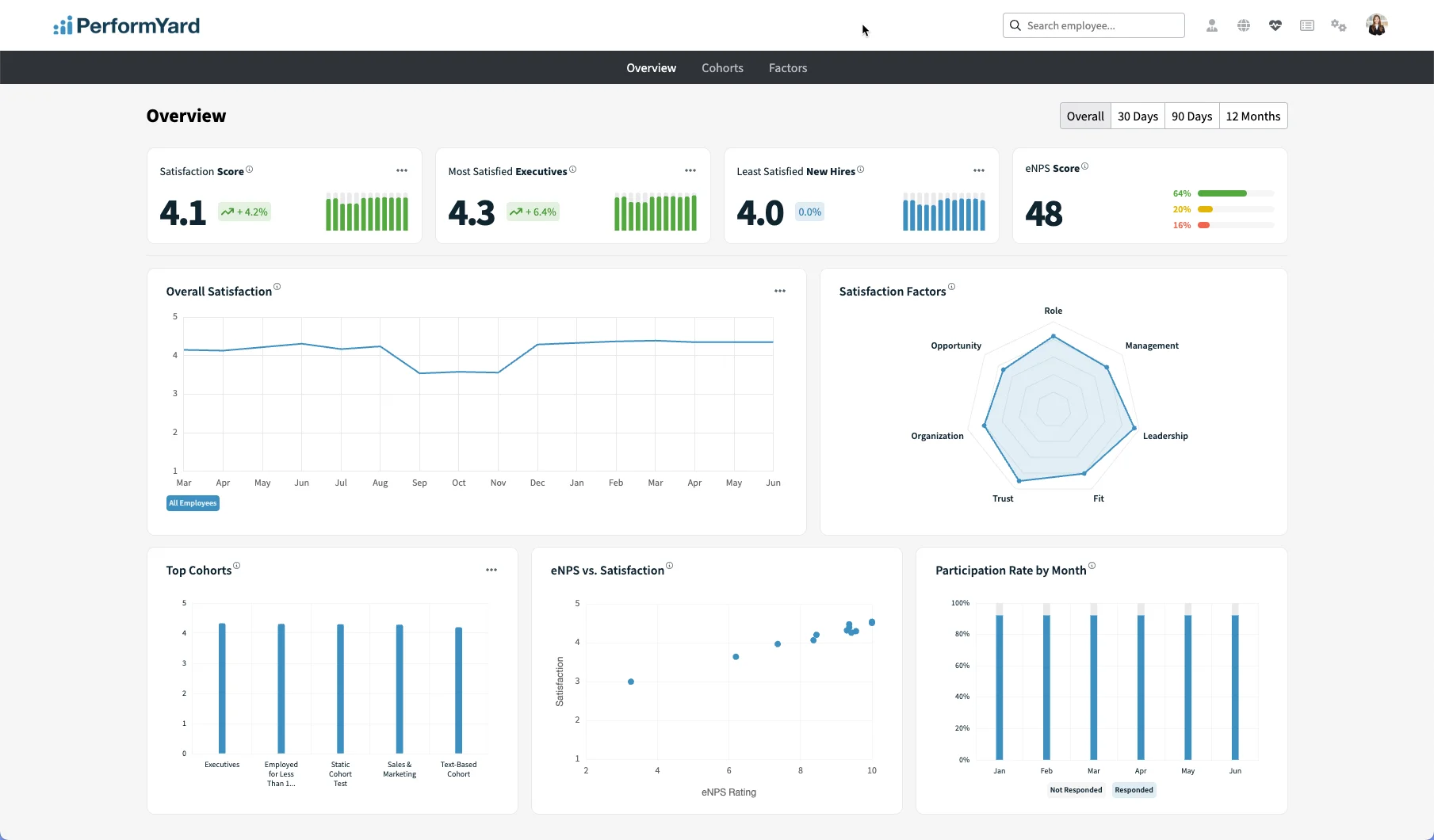
PerformYard complements Workday by acting as a flexible sandbox for performance reviews without disturbing the underlying HR architecture. It reads structural updates from Workday to keep directories current, giving HR teams complete freedom to design custom review templates and rating scales that Workday's rigid business processes might make cumbersome.
Highly configurable review forms and cycles, goal management, continuous feedback, and reporting
PerformYard publishes its starting price directly on its own pricing page, unusual among this group, and every contract includes unlimited implementation and ongoing support at no extra charge
The review still runs in a separate PerformYard tab rather than inside a collaboration tool employees already use daily; engagement, meetings, and survey features are priced as separate add-ons
Performance Management $5 to $15 per person per month, billed annually
Dedicated success manager and unlimited implementation support included at every tier
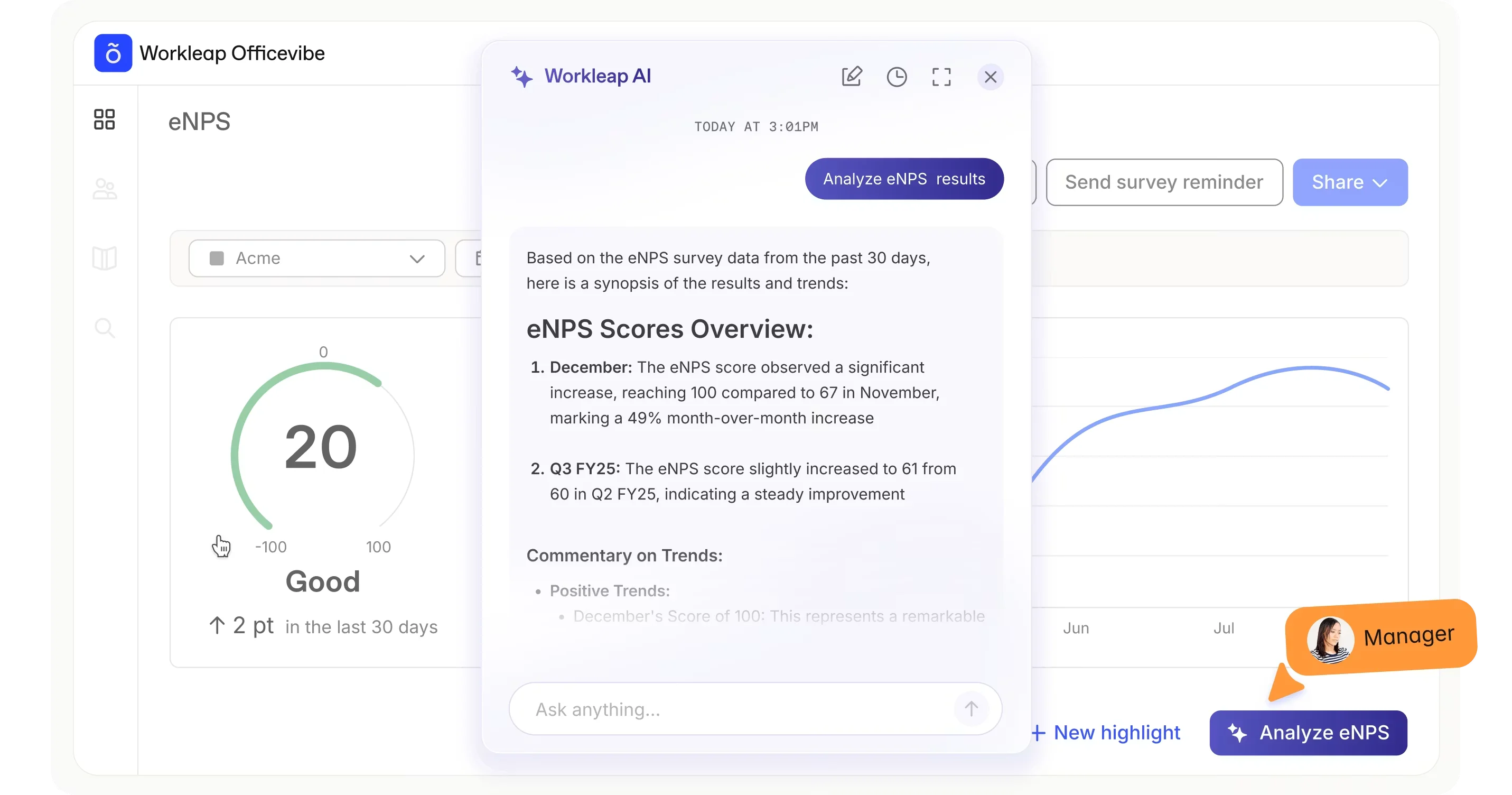
Workleap complements Workday for smaller organizations by offering a streamlined, low-overhead alternative to heavy enterprise suites. It syncs essential user profiles to run lightweight recognition, pulse surveys, and simple review cycles alongside core HR management.
A review cycle builder, self and peer review summaries, engagement surveys, and peer recognition
Pricing is published directly on Workleap's own site, and bundling Officevibe with Performance brings a discount over buying each separately
Whether the core Workday connection is fully supported for the Performance product specifically is not clearly documented; feature depth for large-scale review governance is lighter than the dedicated performance platforms on this list
Workleap offers three plans: Standard, starting at $4,999; Pro, starting at $11,999 USD; and Enterprise, available with custom pricing.
Not documented.
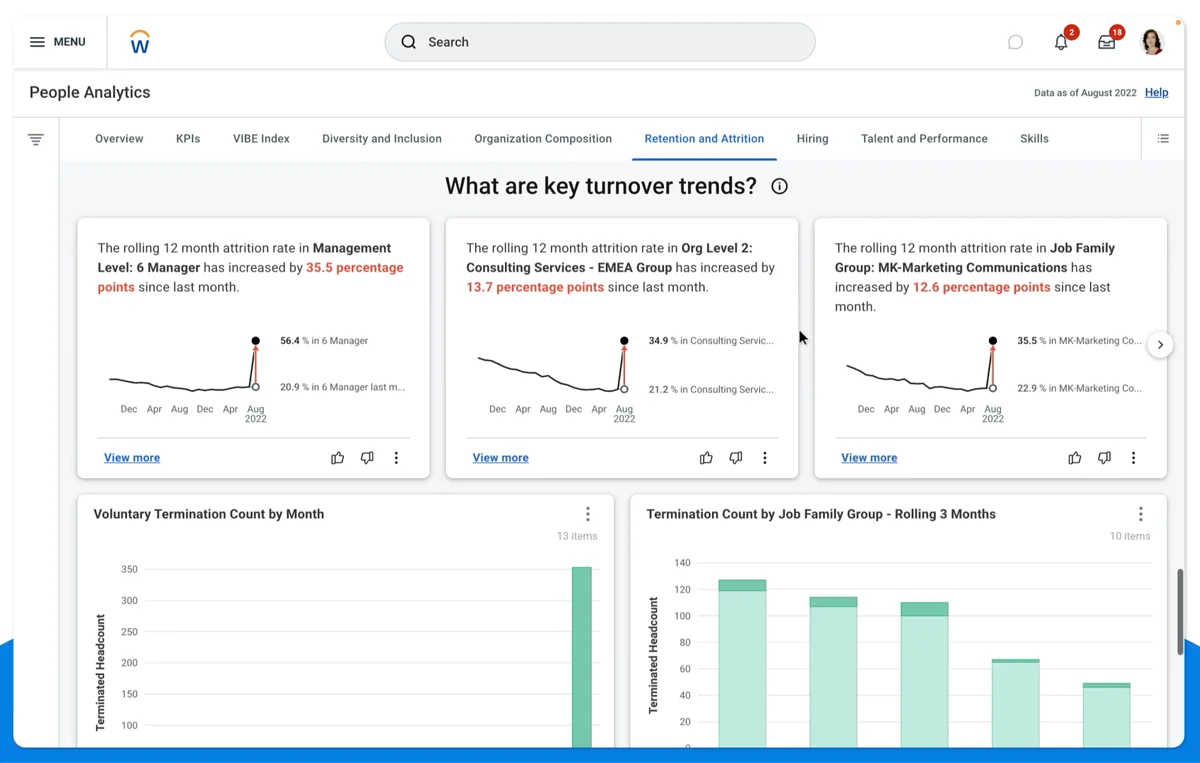
As a native solution, the Workday module replaces the need for third-party software by housing goals, reviews, calibration, and succession planning within a single database. This eliminates data silos and integration maintenance entirely, though it trades off the consumer-grade user experience and external collaboration integrations found in standalone platforms.
Goal management, continuous feedback, performance reviews, calibration through the nBox report, succession planning, and development planning
Ratings write directly into compensation and succession planning with zero integration risk, and calibration results post automatically to the worker's record once a calibration event closes
Building and testing a review cycle takes real configuration time from HR. Managers complete reviews inside an HR-owned screen, not a tool they use daily. Feedback tends to cluster around the formal cycle.
Bundled into a Workday HCM or Talent Management contract; not available as a standalone purchase
Standard Workday support under the customer's existing HCM contract
When evaluating third-party performance tools that sit on top of Workday, budget for hidden implementation and support costs as well as the subscription fee when layering performance on top of an HCM.
Pricing transparency varies widely across these platforms:
Because many tools hide their pricing, the level of included support becomes a critical factor in the total cost. Platforms that bundle a dedicated Customer Success Manager and implementation support into their entry tiers, like Teamflect and PerformYard, significantly reduce the hidden administrative costs of launching a review cycle.
Selecting the right performance strategy for a Workday environment comes down to balancing system authority, integration maintenance, and daily user participation. Your choice depends on your organization's priorities for compensation, system configuration, and manager adoption:
Transitioning to a hybrid performance model requires proactive planning to prevent data silos, structural mismatches, and low adoption rates among managers. A successful parallel rollout requires settling three key areas before launch:
Yes. Workday Performance Management is a native module inside Workday Talent Management that handles goals, continuous feedback, reviews, calibration, and development planning. It is bundled into a Workday HCM or Talent Management contract rather than sold separately.
It depends on where you want managers to complete reviews. Teamflect runs the entire review cycle inside Microsoft Teams using live Workday data. Betterworks fits enterprise OKR alignment, while Culture Amp suits organizations that want performance ratings next to engagement surveys.
Only Betterworks explicitly documents a bi-directional sync that writes ratings and goals back into Workday. For Teamflect, Lattice, 15Five, Leapsome, Culture Amp, PerformYard, and Workleap, documentation only confirms a one-way pull from Workday.
Workday ties ratings directly to compensation and succession planning within your core HR database. Dedicated performance tools trade that tight system linkage for a more user-friendly interface where managers actually work, which typically improves completion rates.
Yes, if you integrate Teamflect with Workday. Teamflect brings the entire review cycle into Teams, handling 1-on-1 agendas, review forms, and goal check-ins directly within chat and channel structures while pulling underlying worker data from Workday.
It depends on the integration type. Prebuilt connectors from Teamflect and PerformYard can go live in days once Workday access is granted. Tools requiring custom Workday reports and integration system users, such as Lattice, Leapsome, and Culture Amp, typically add one to several weeks for internal configuration before onboarding begins.

.svg)
.avif)
Create high-performing and engaged teams - even when people are remote - with our easy-to-use toolkit built for Microsoft Teams